

How to Add a Business Listing to Bizmark
This guide provides a detailed, step-by-step walkthrough to help business owners add their business listings to Bizmark. Follow each step carefully to ensure a successful listing process.
Step 1: Go to Bizmark.ie!
Step 2: Sign up
Register with Bizmark to set up your account

Step 3: Start Listing Process
Click ‘here’ to begin the listing process.
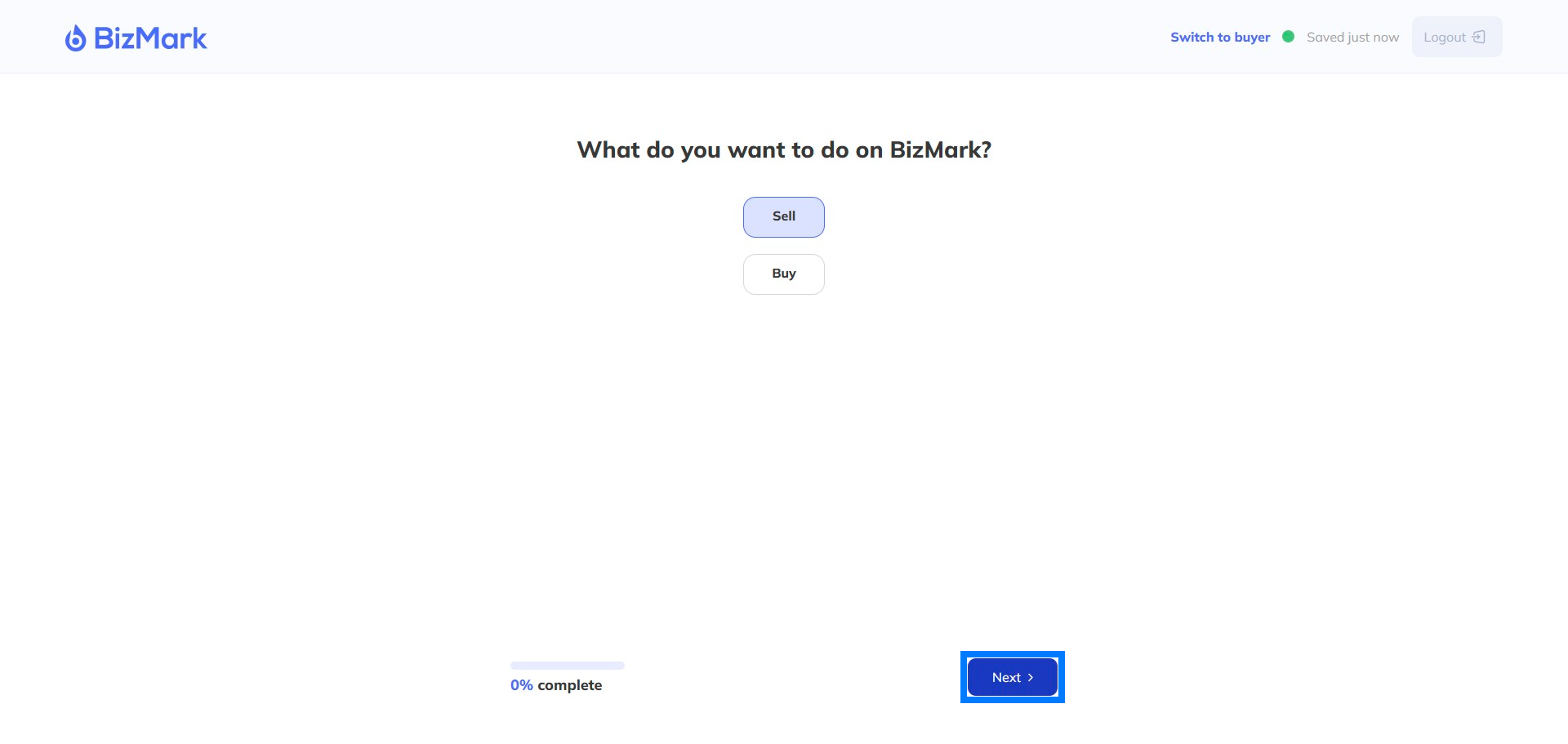
Step 4: Confirm Information
Are you the business owner or acting on their behalf?
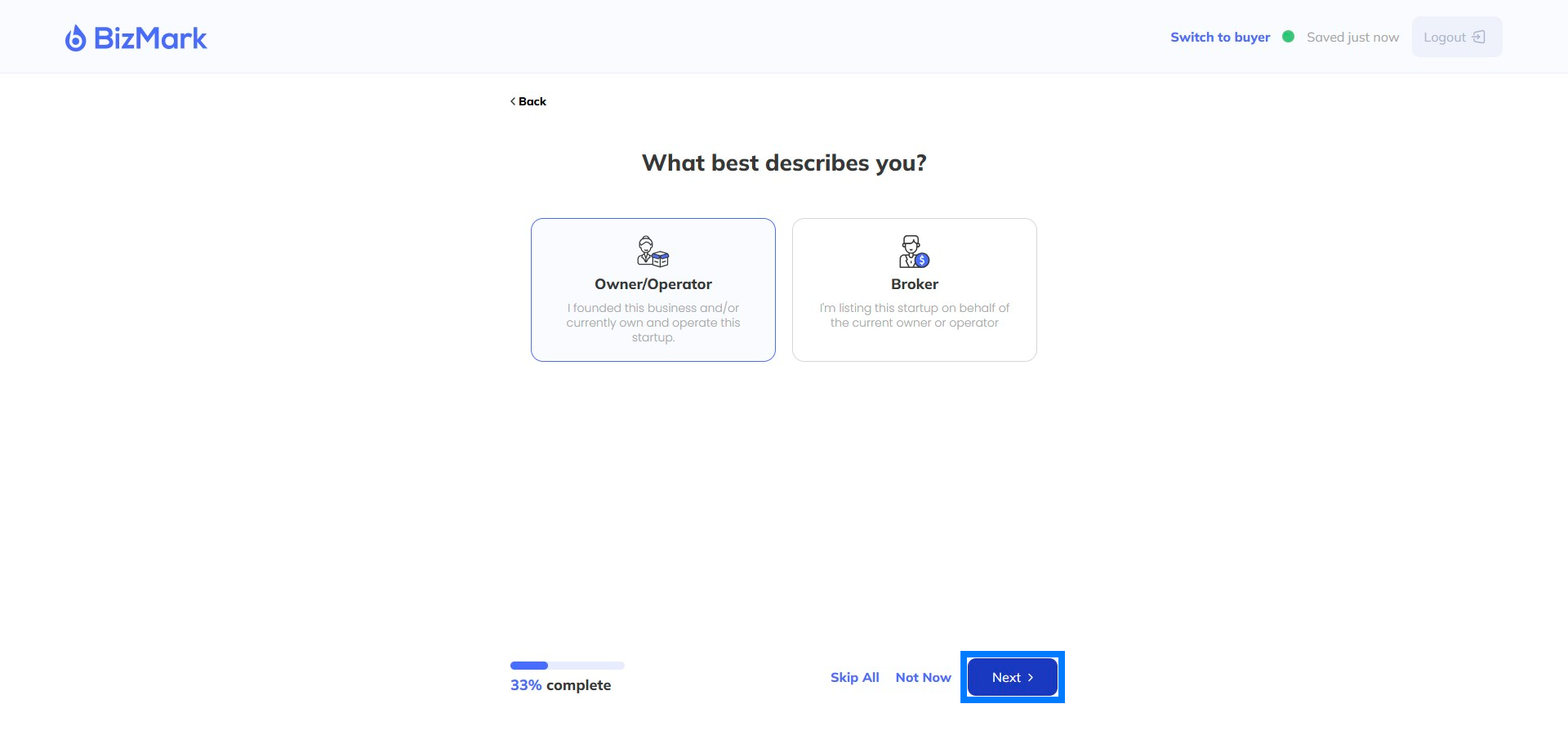
Step 5: Smile for the camera!
Add your photo – not required but builds more trust
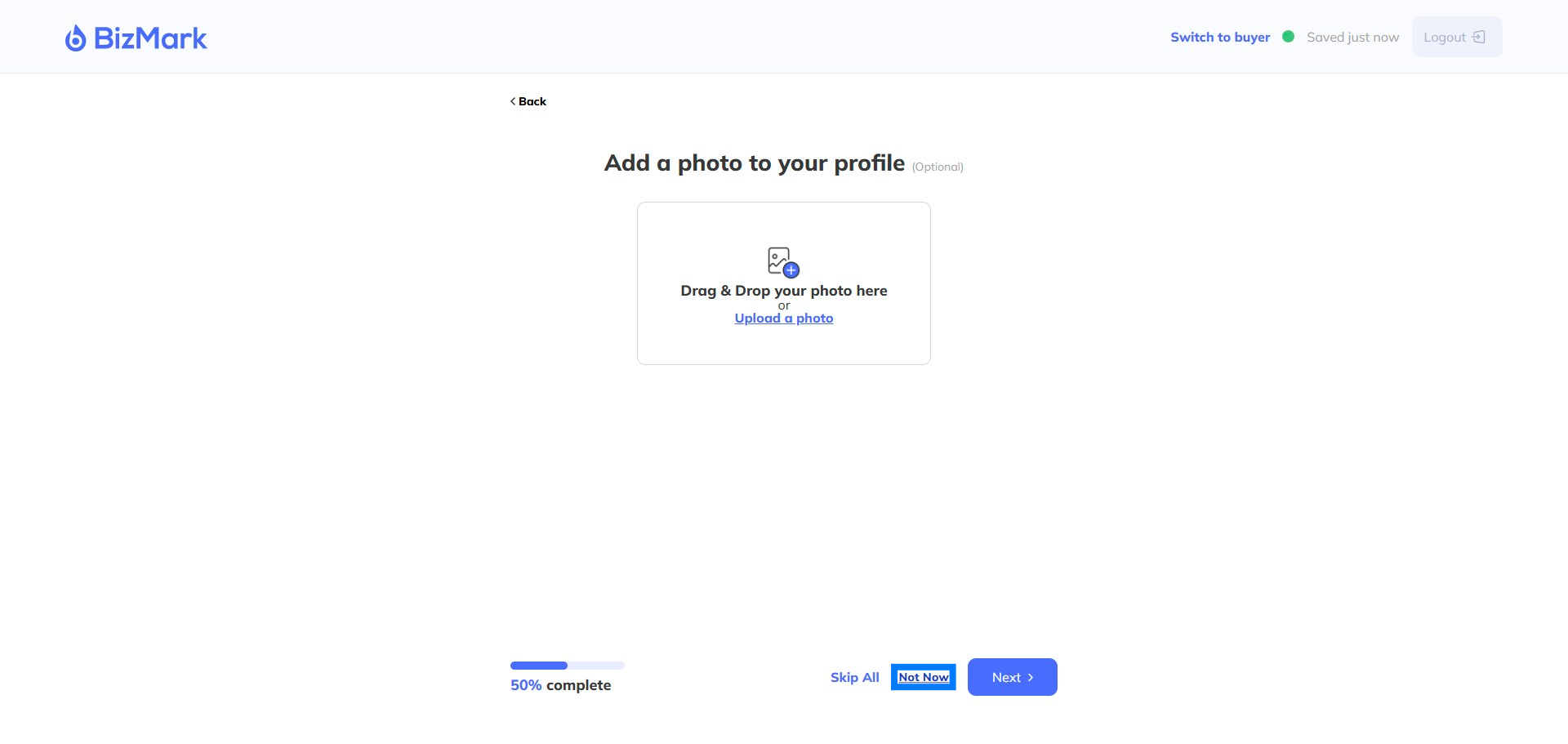
Step 6: Add your Linkedin
Adding your Linkedin profile, if you have one, shows you’re real! Not required.
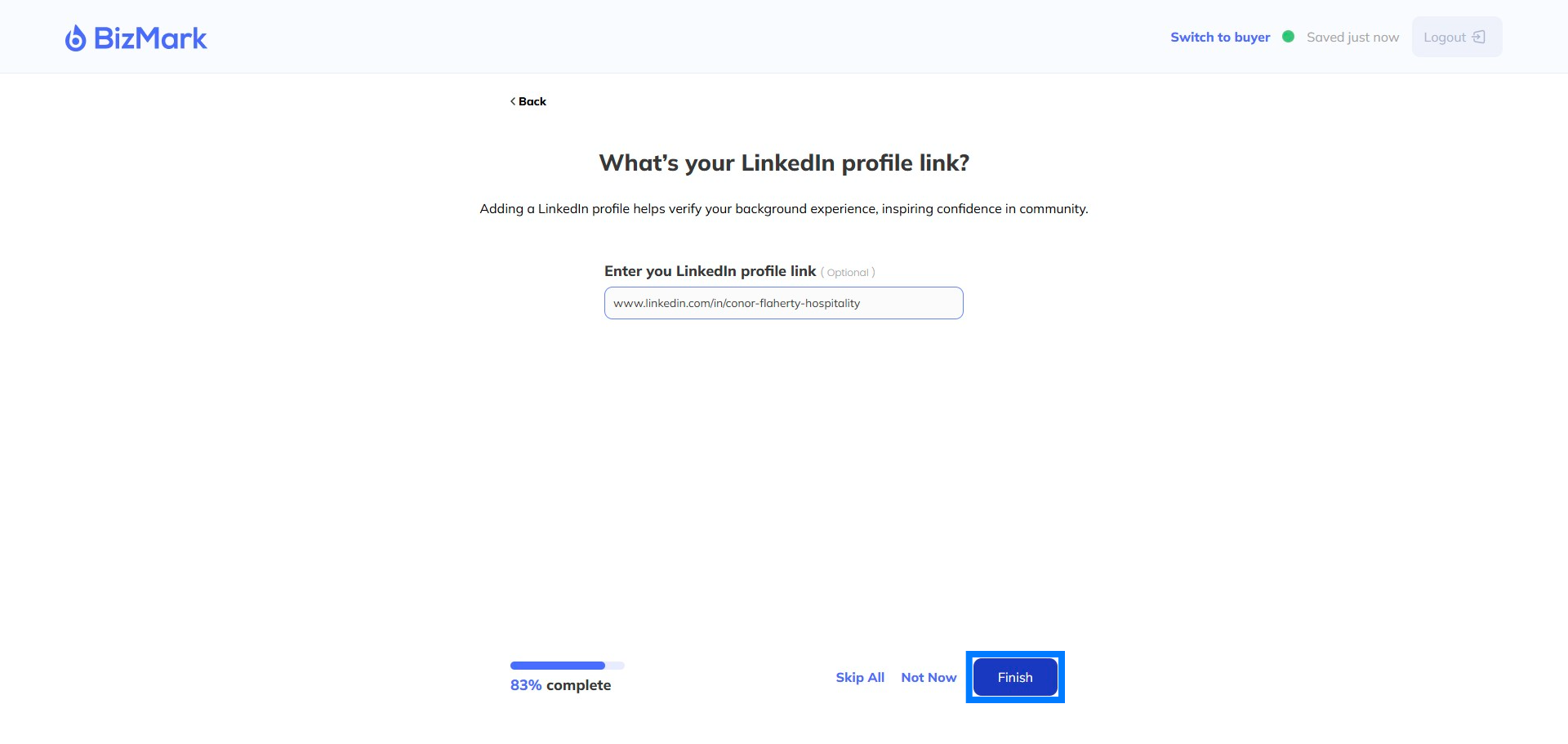
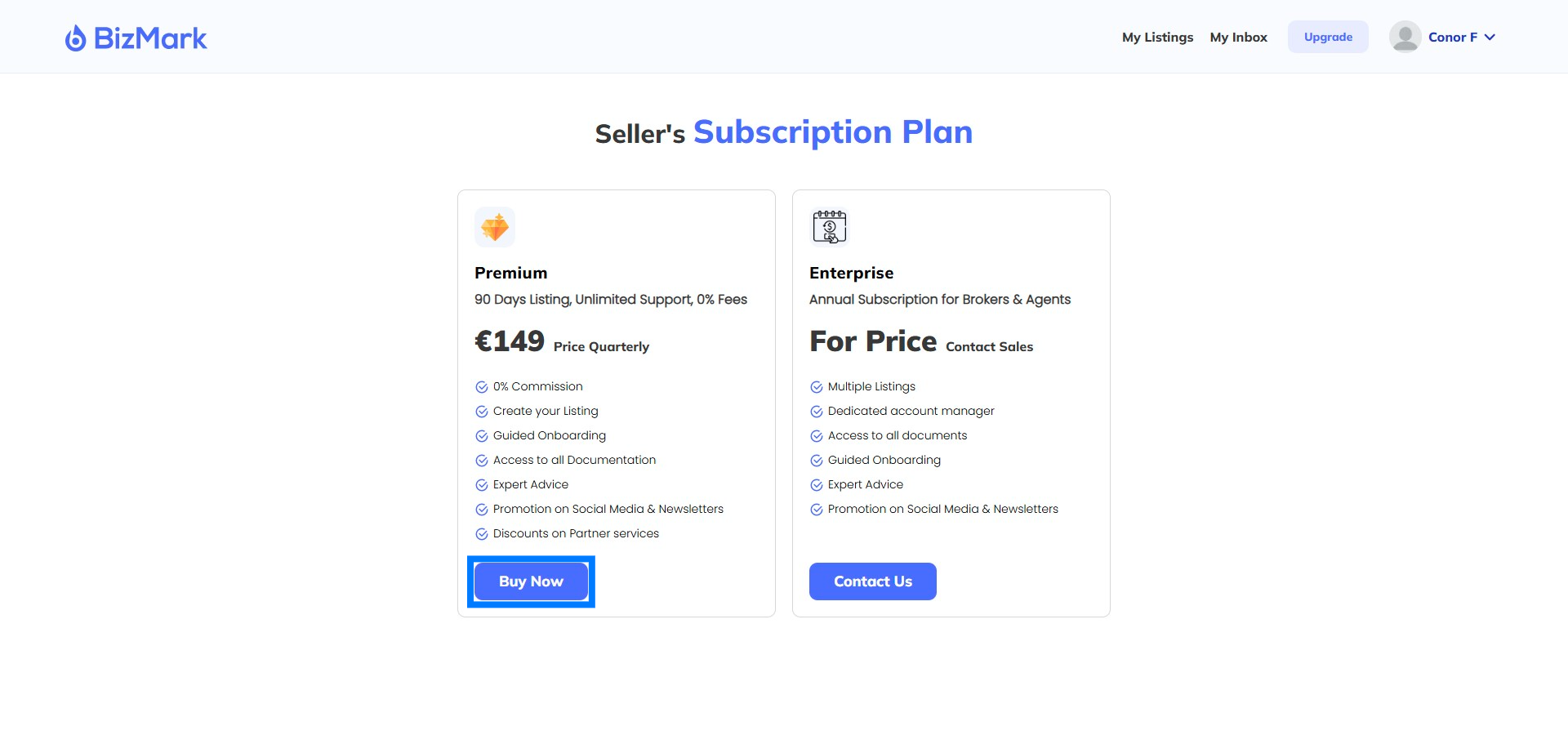
Step 7: Select your plan
Select your plan and get your Listing moving.
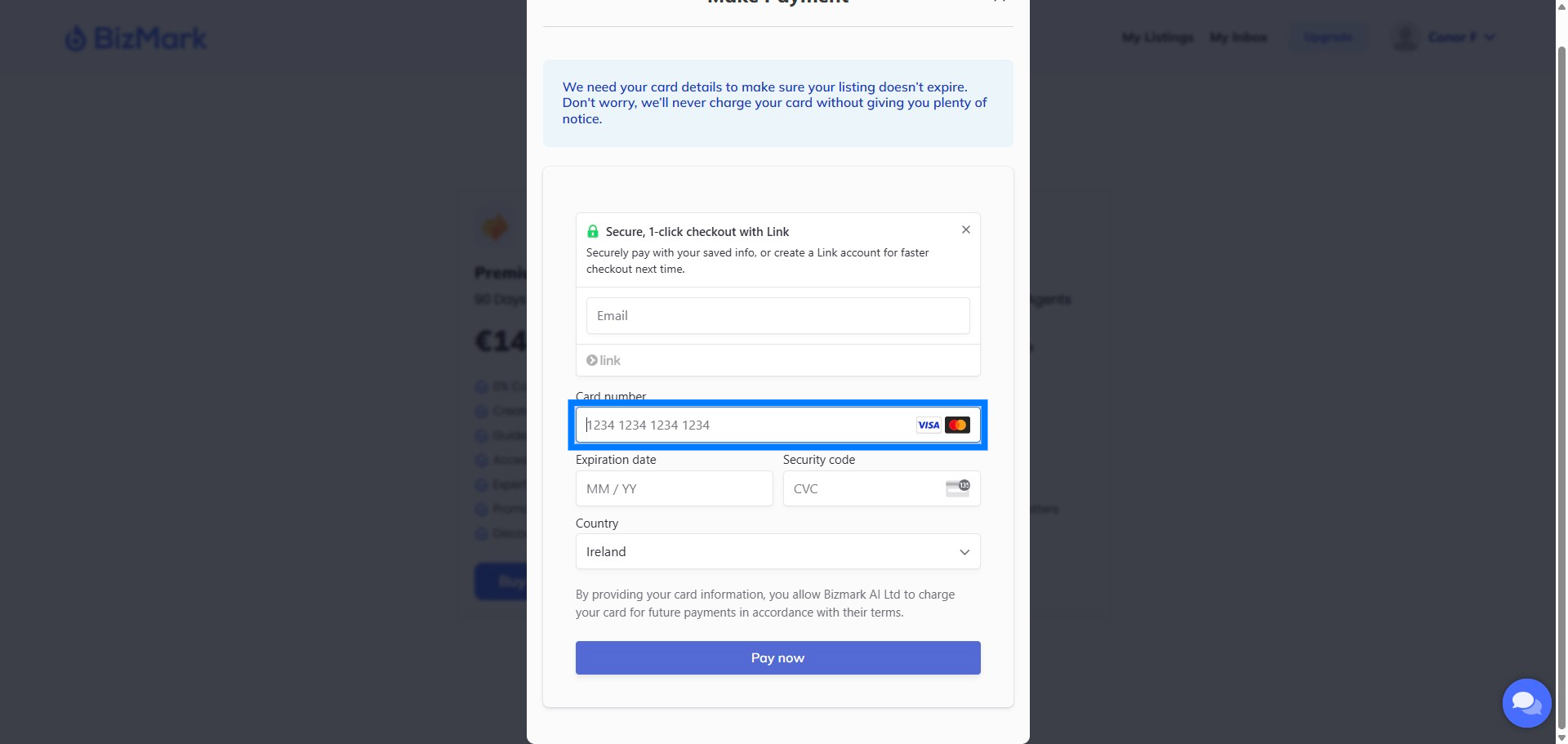
Step 8: Enter your payment details
Enter your Credit Card details. Don’t worry we’ll always give you advance notice of any renewals.
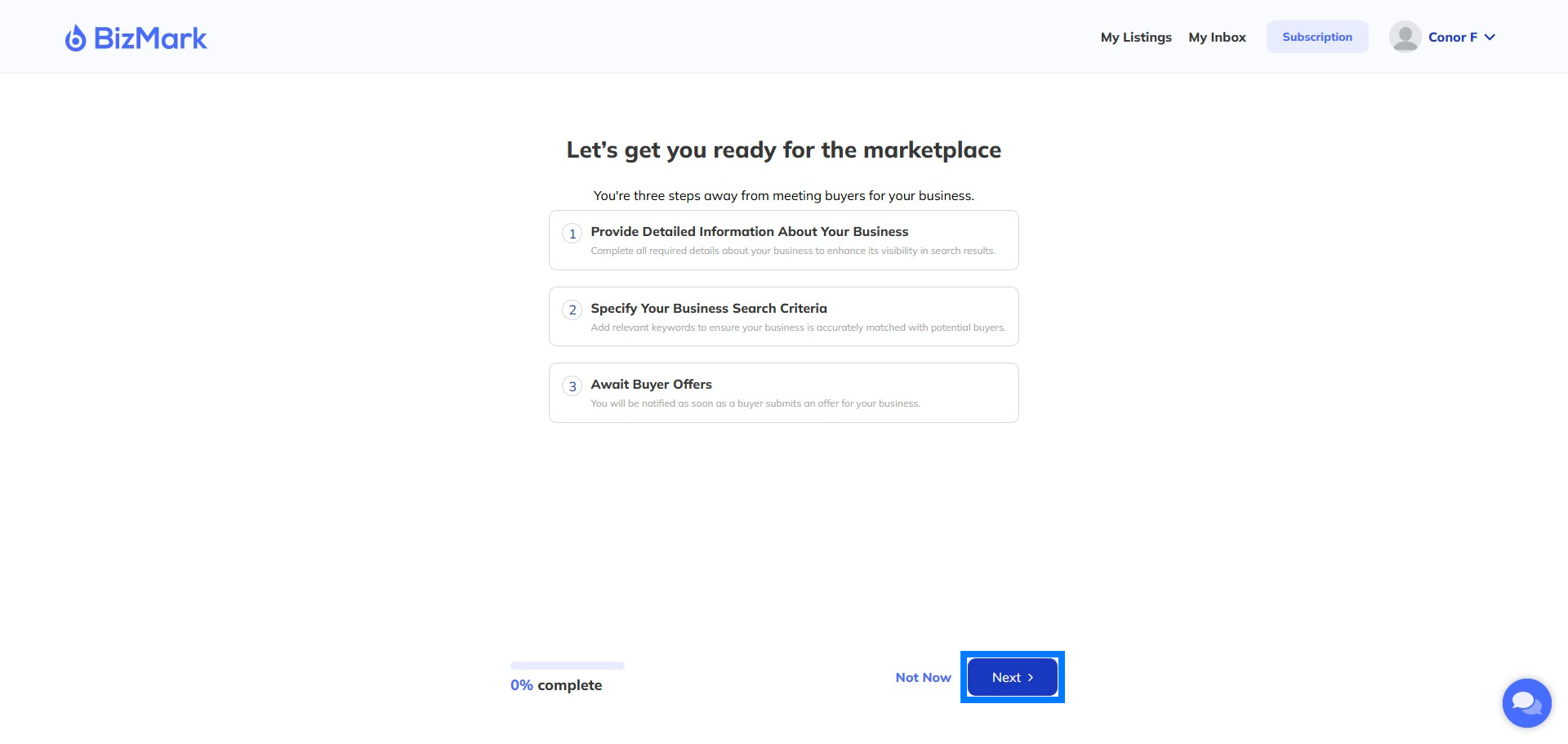
Step 9: Add your Business
Click Add business to begin
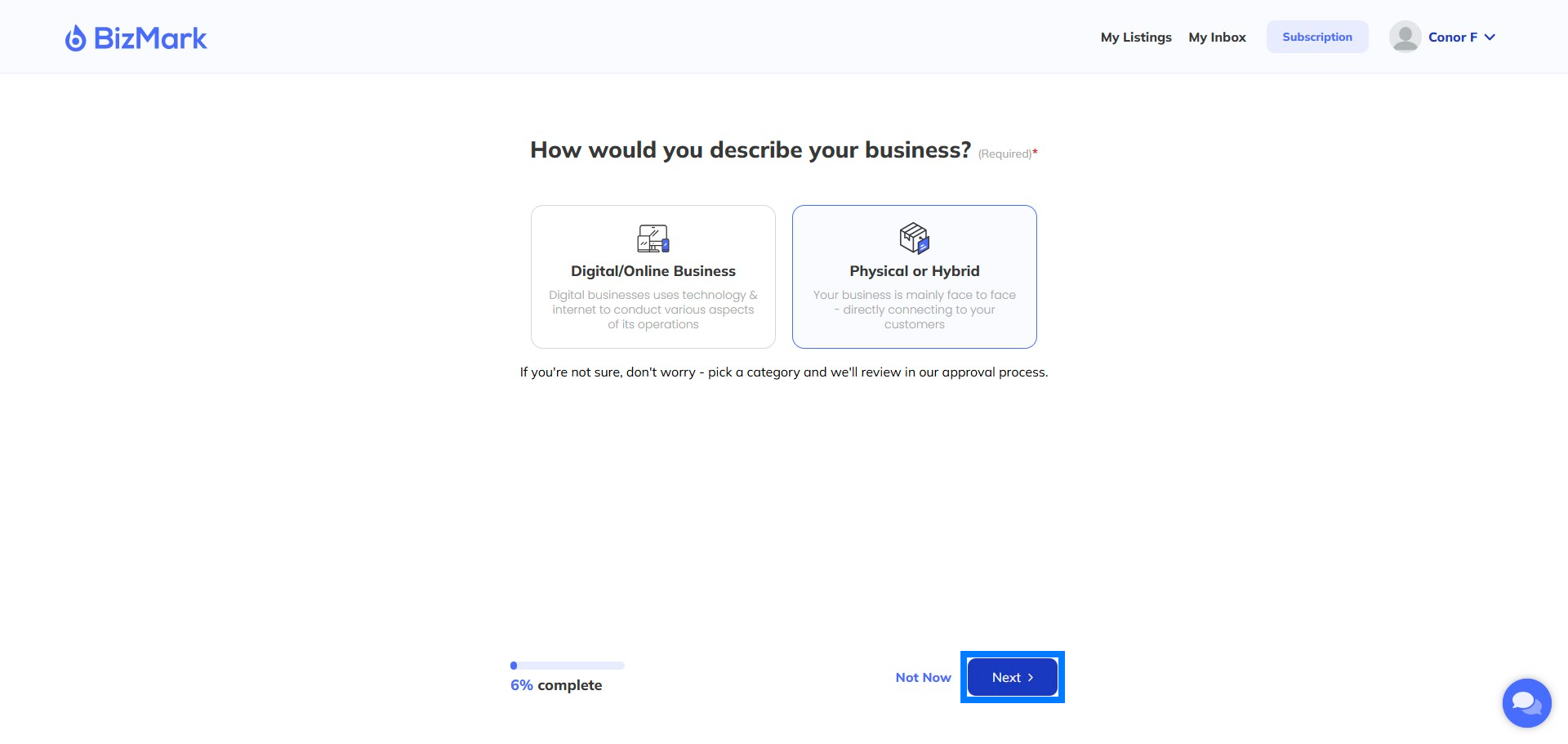
Step 10: Choose your Business type
Are you purely online or do you have a physical presence – or maybe you do both like a physical store with an eCommerce website.
Step 11: What Category?
How would you best describe your business? This will help Buyers find your listing
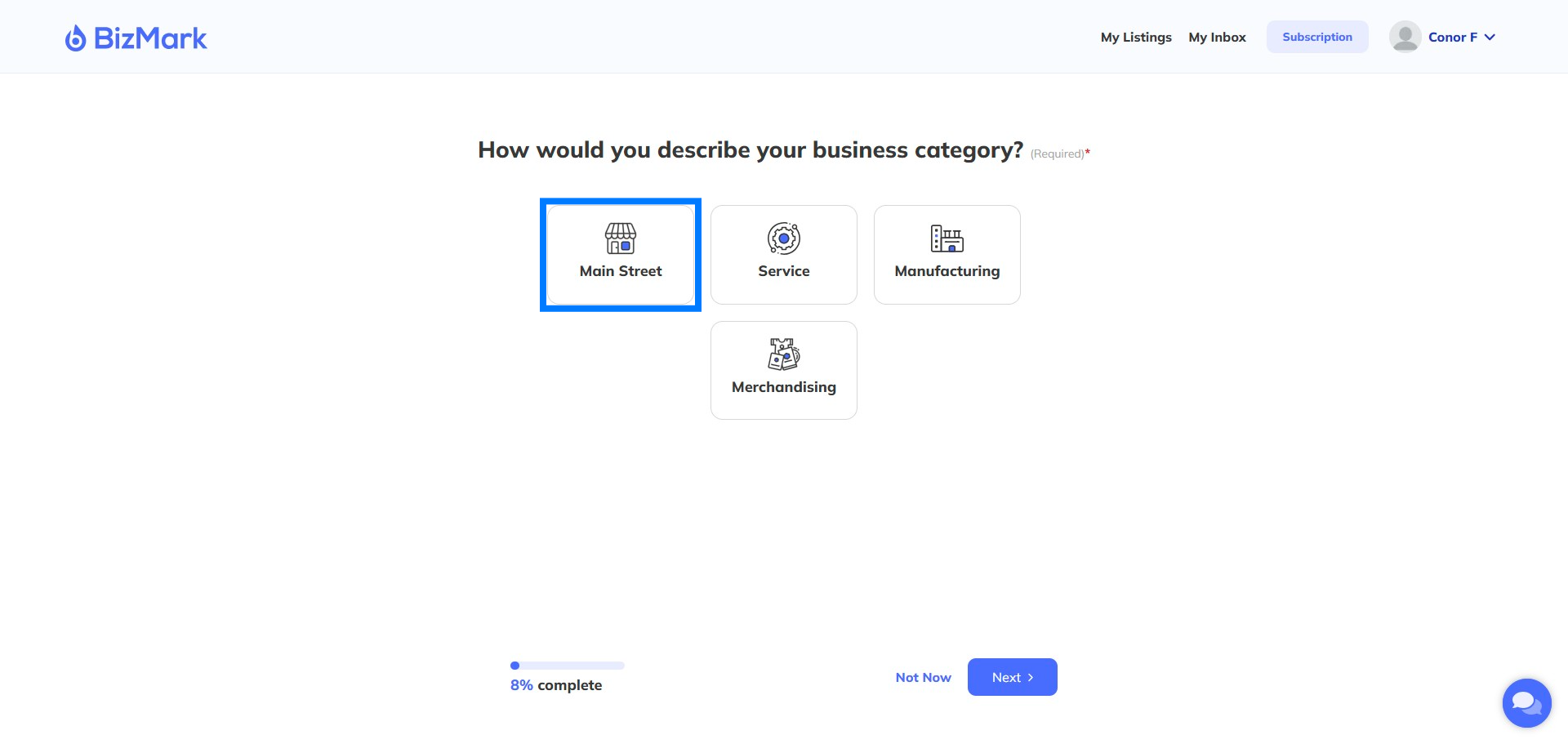
Step 12: Add more details
Lets give buyers more details

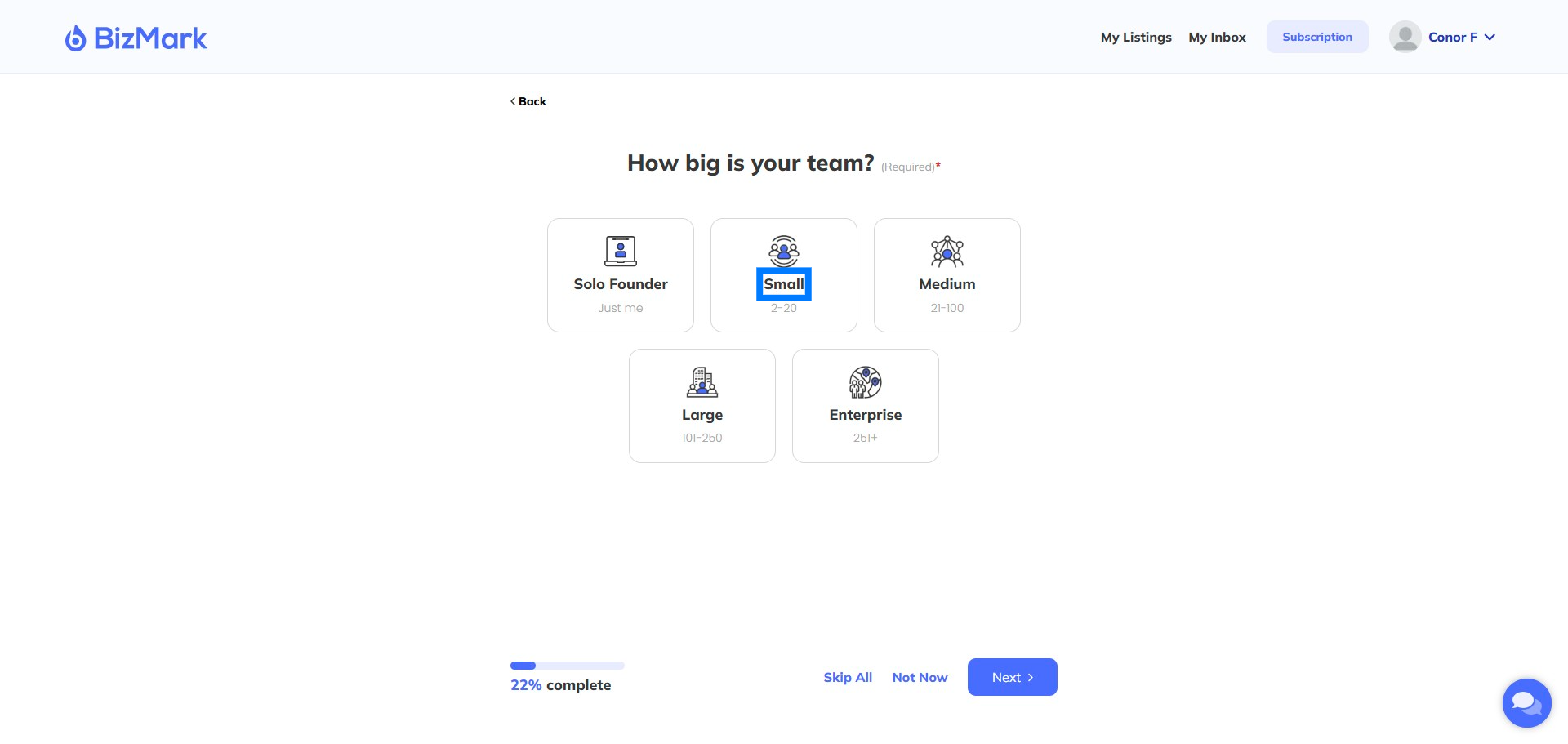
Step 13: Team size
How big is your team? Helps establish your size
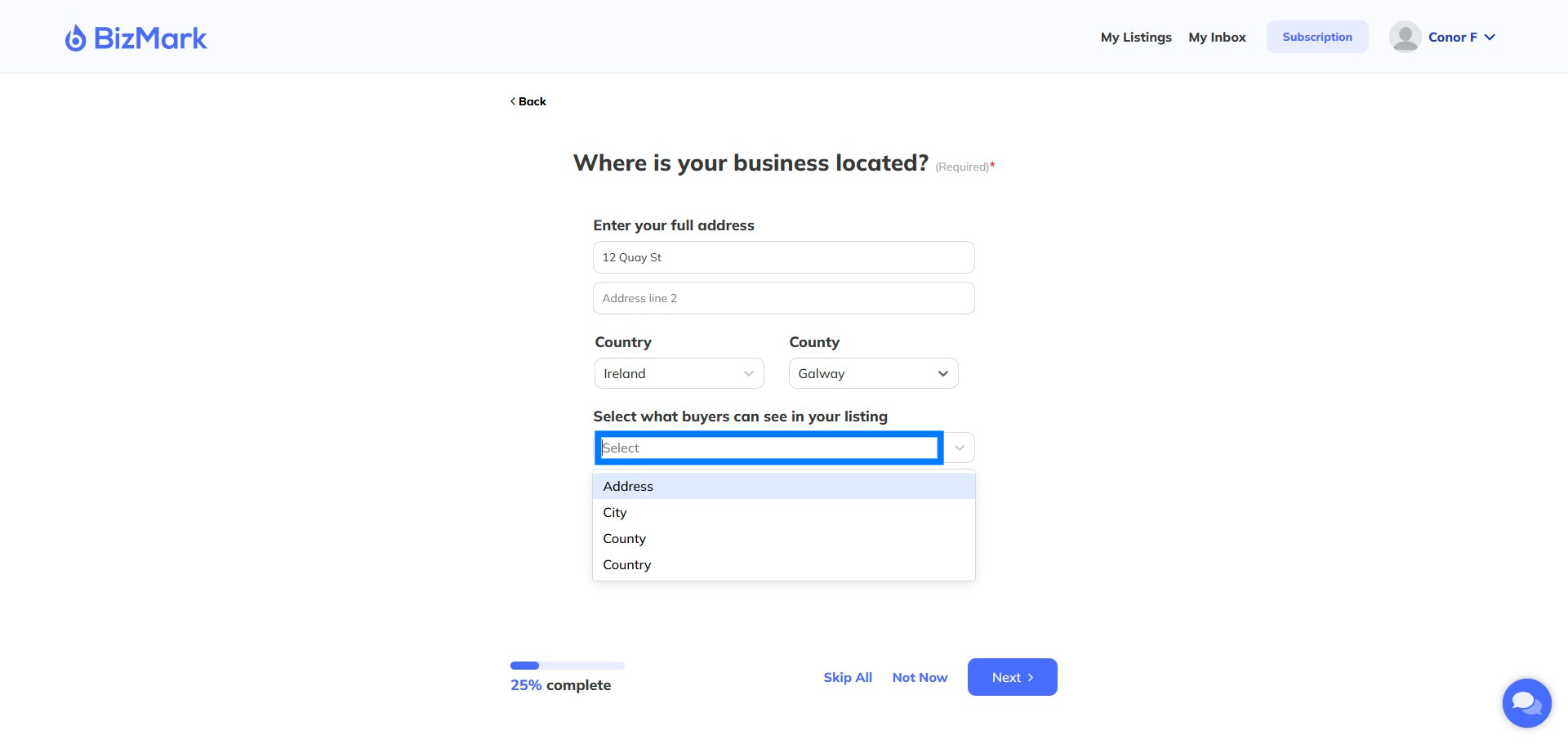
Step 14: Enter your business address
Control whether buyers see the full address, city or county
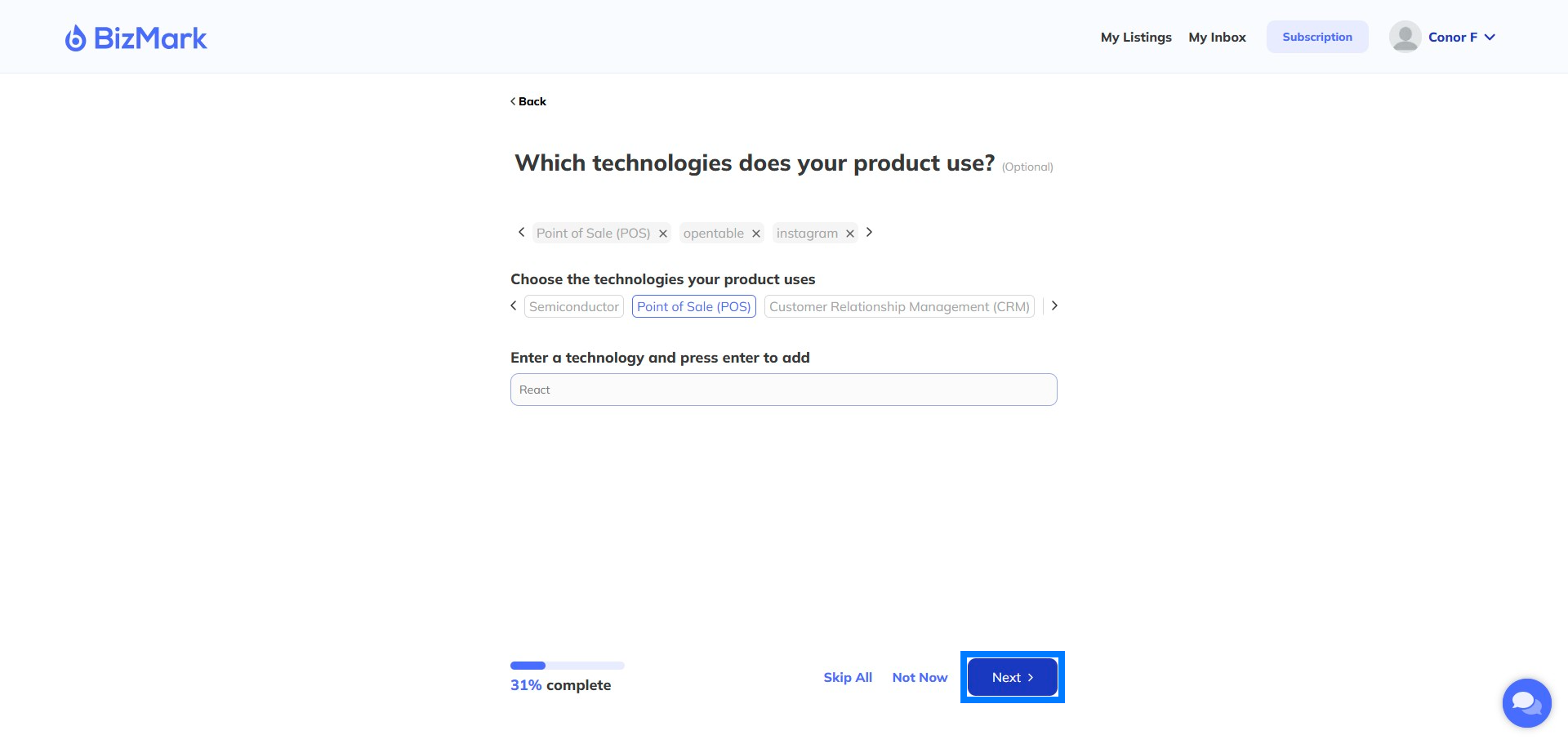
Step 15: What Technologies do you use?
You can select from our pre-selected options or add your own. Try and think about what a seller may be looking for – industry terms etc
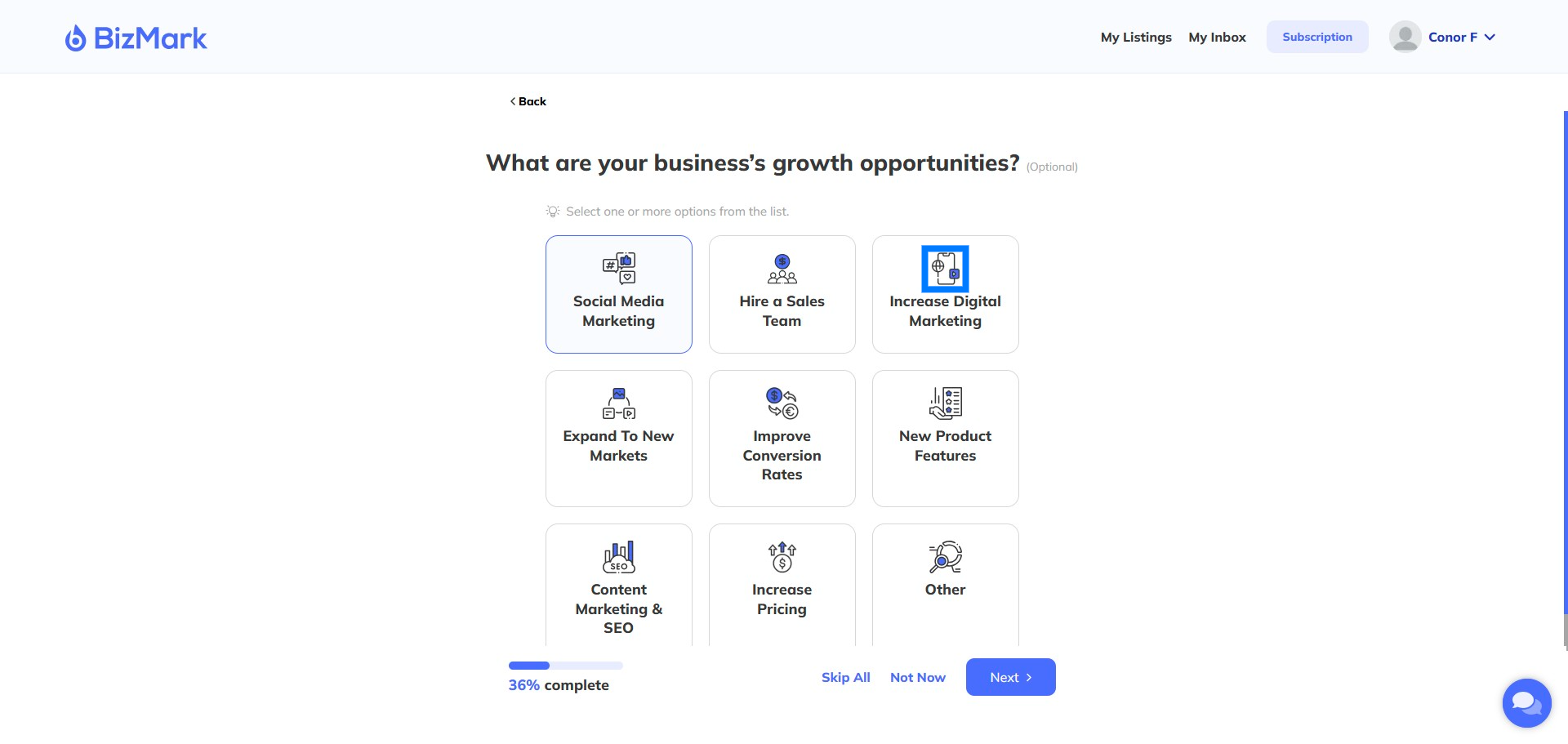
Step 16: Growth Opportunities
Help a buyer understand where the growth opportunities are for the business going forward. You can select multiple.
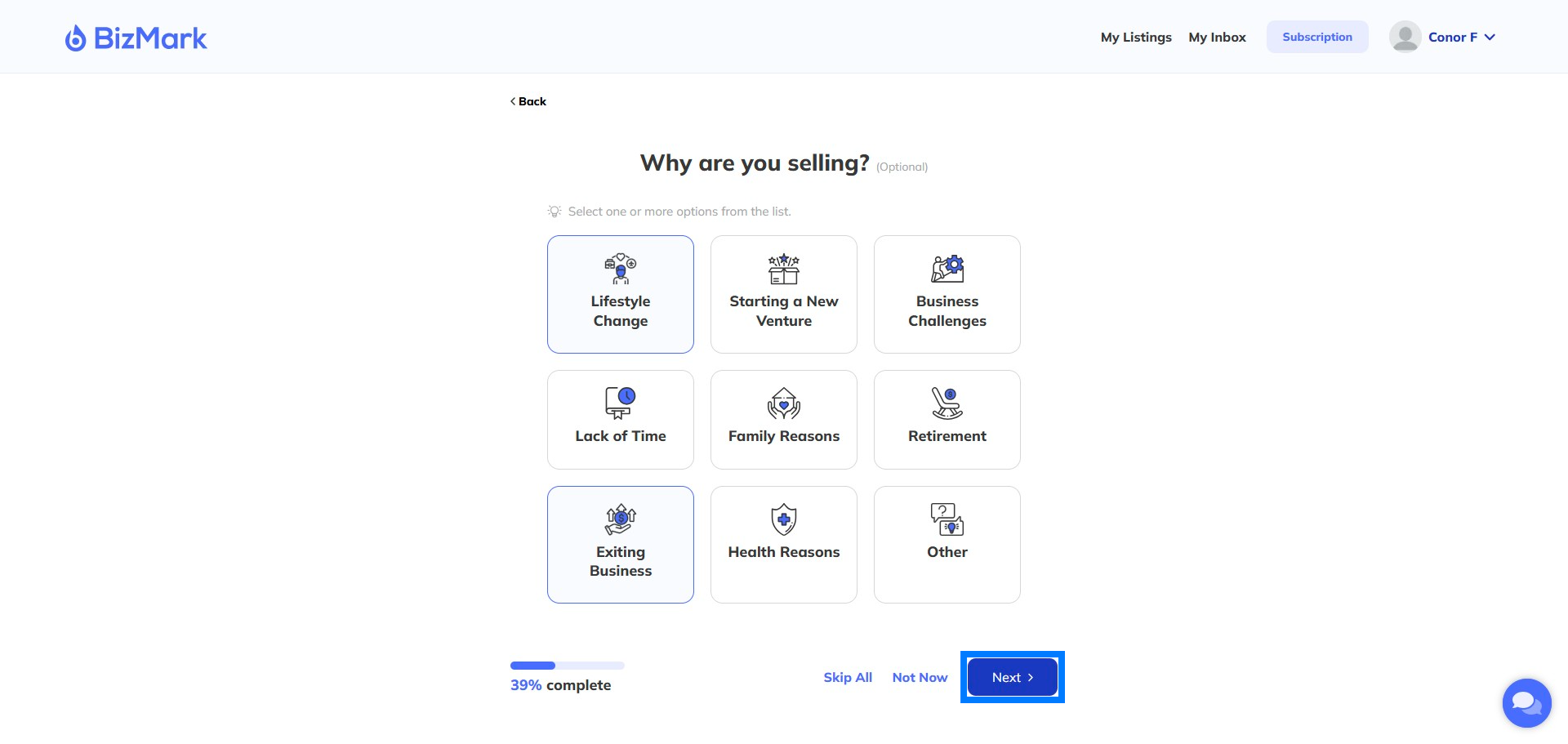
Step 17: Reasons for Selling
Why are you selling the business? Help buyers understand why you’re selling the business.
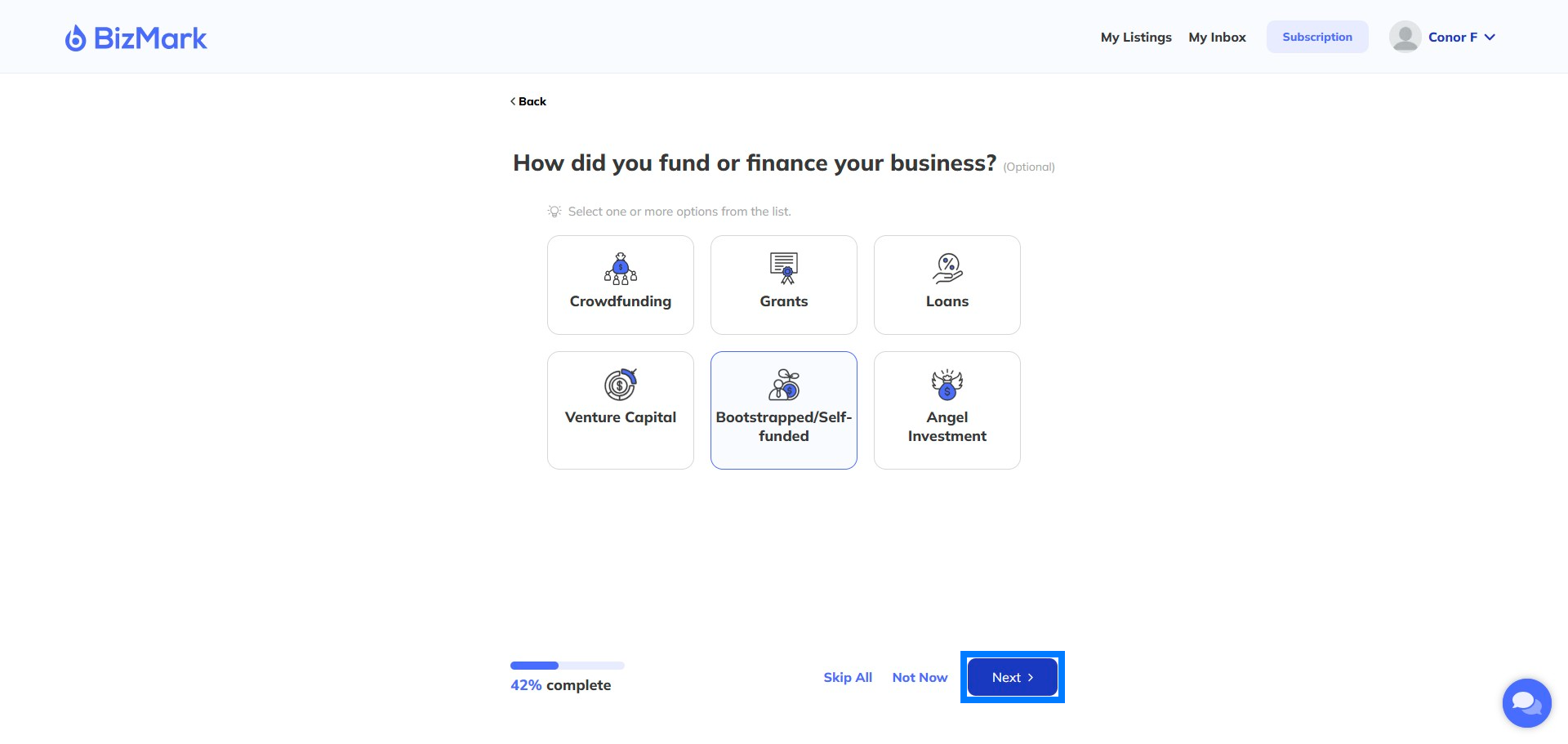
Step 18: Funding Details
How have you funded the business to date?
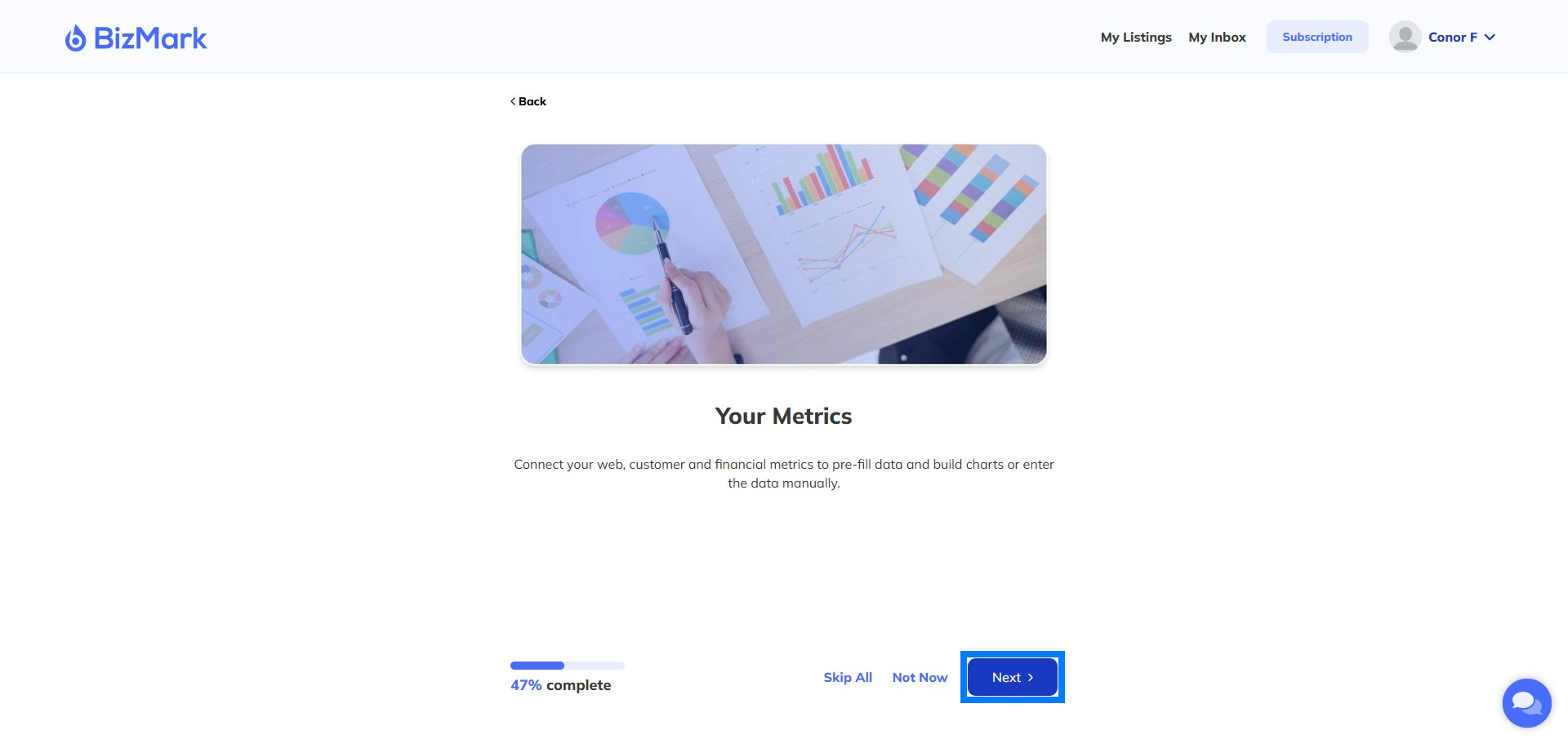
Step 19: Your Metrics
Lets add some more details – an optional step at this point.
Step 20: Last months Net Profit
What was your Net profit last month excluding owner earnings
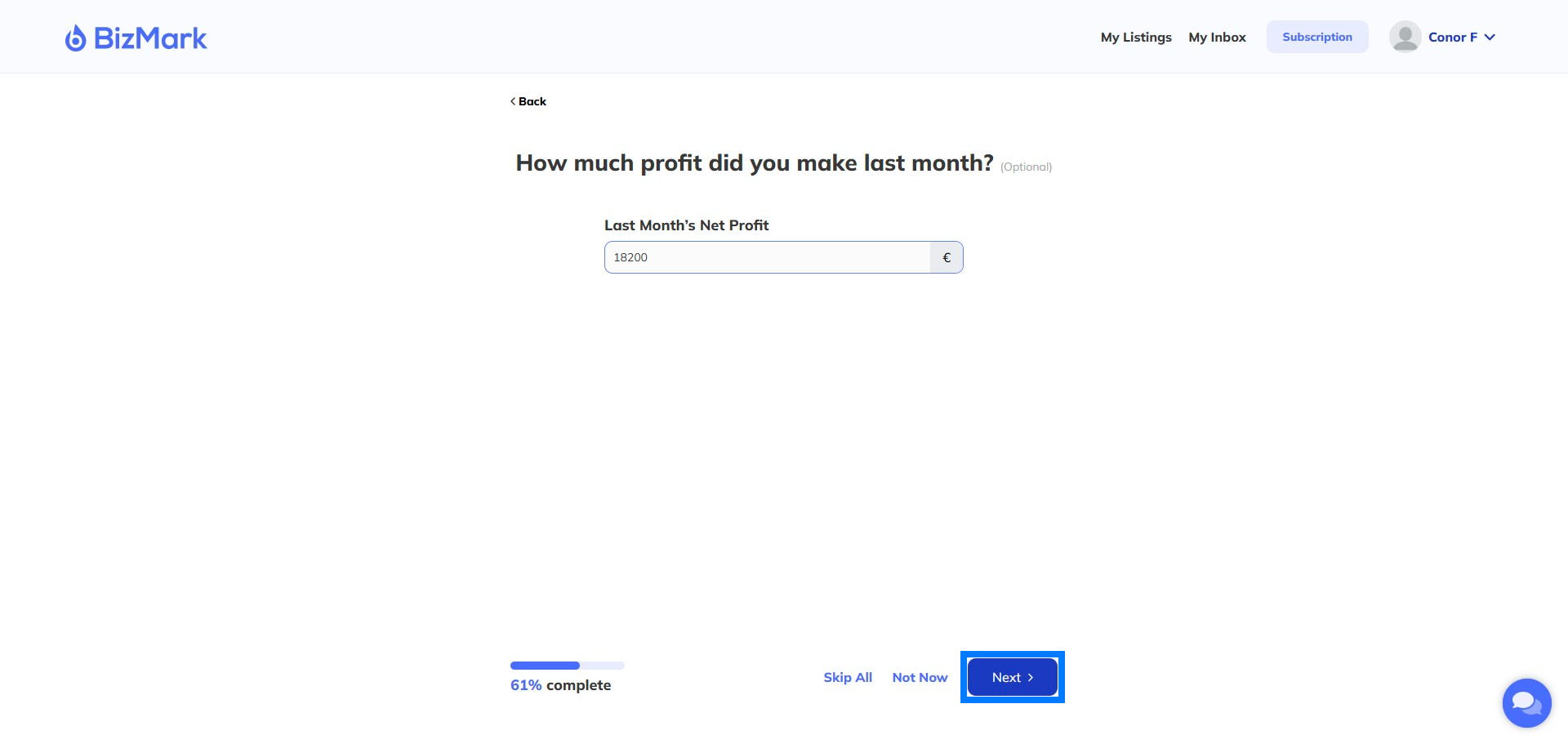
Step 21: Growth Rate
How fast is your business growing? You can enter a negative value or leave blank
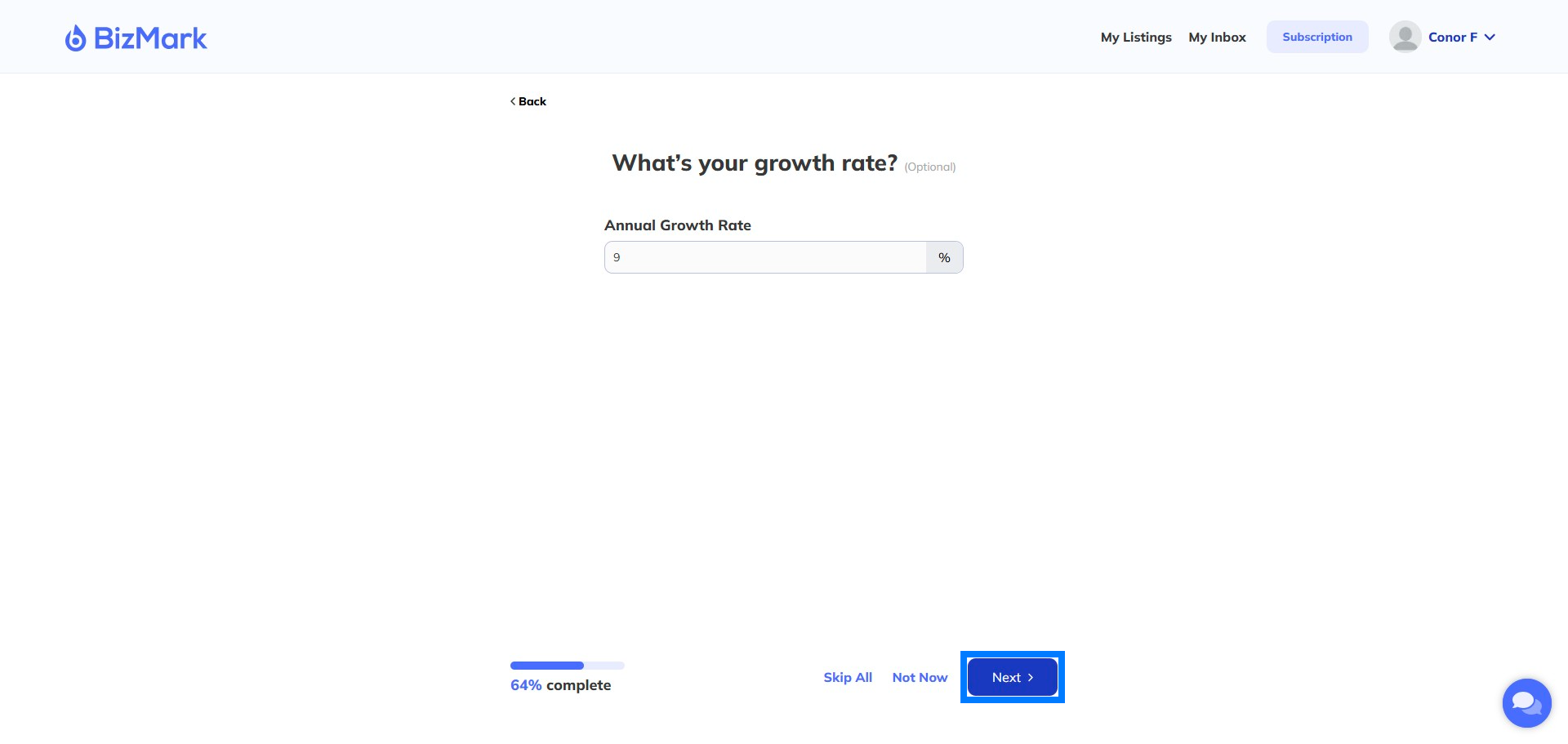
Step 22: Customer Numbers
How many Customers do you deal with annually?
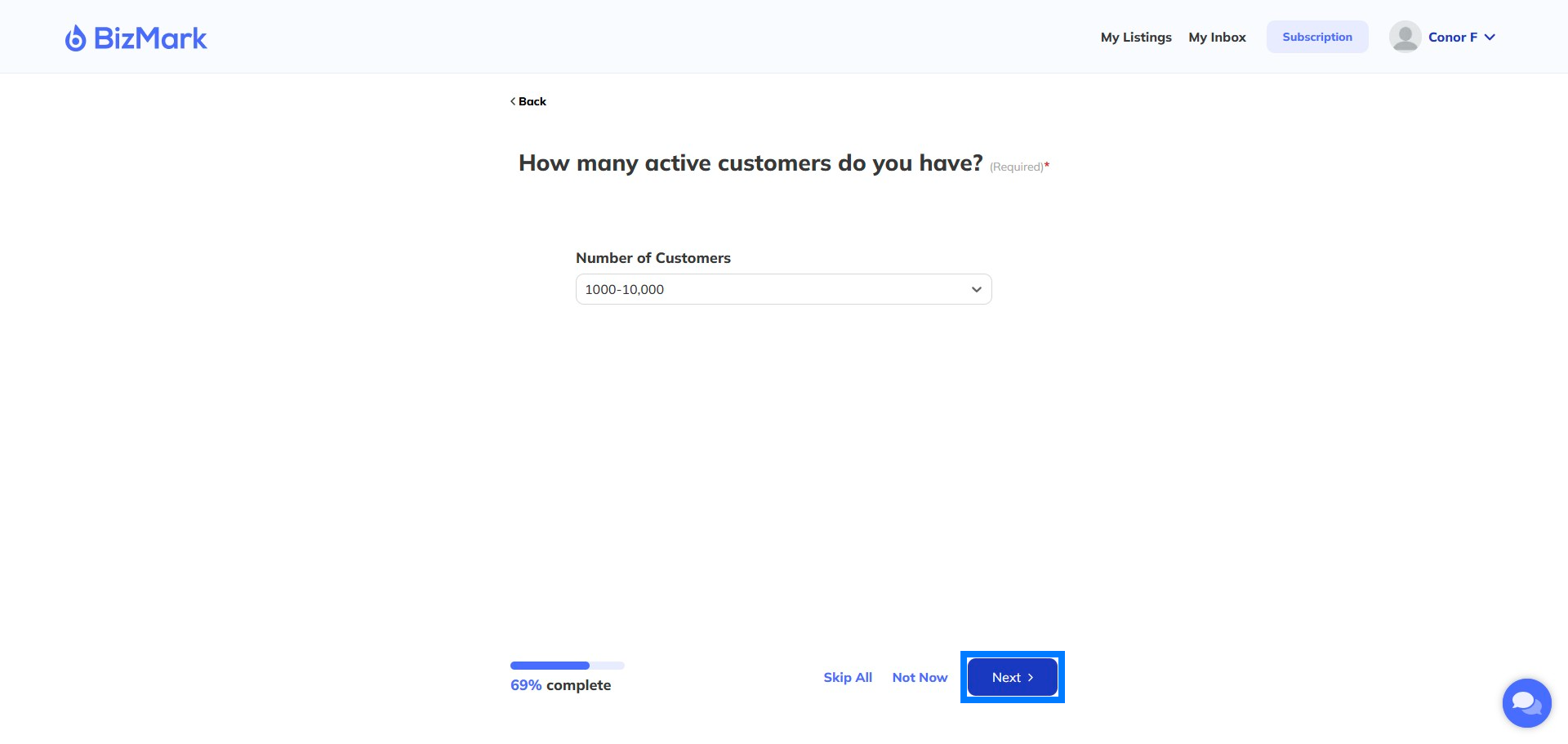
Step 23: Add More business info
This is the section where we describe your business in detail
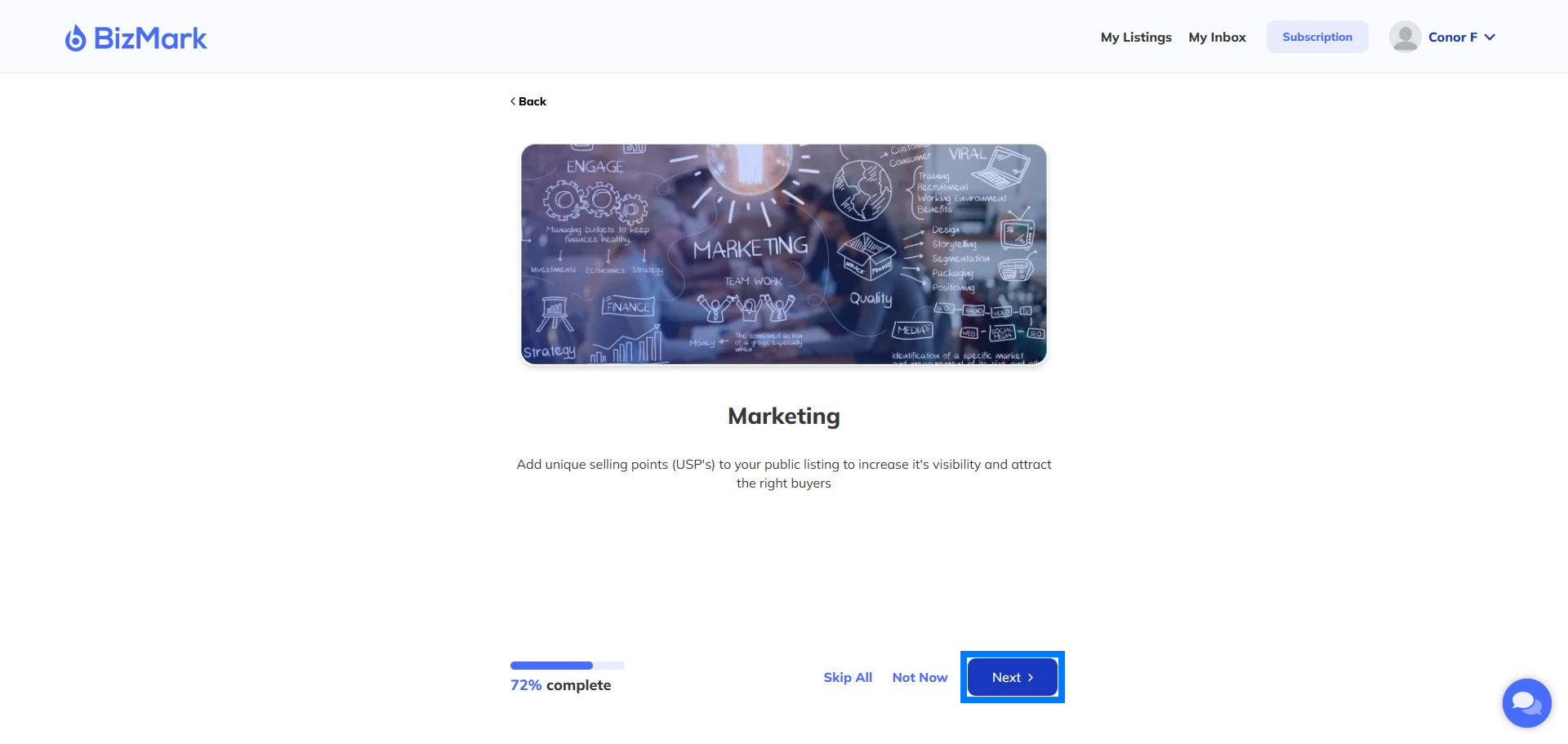
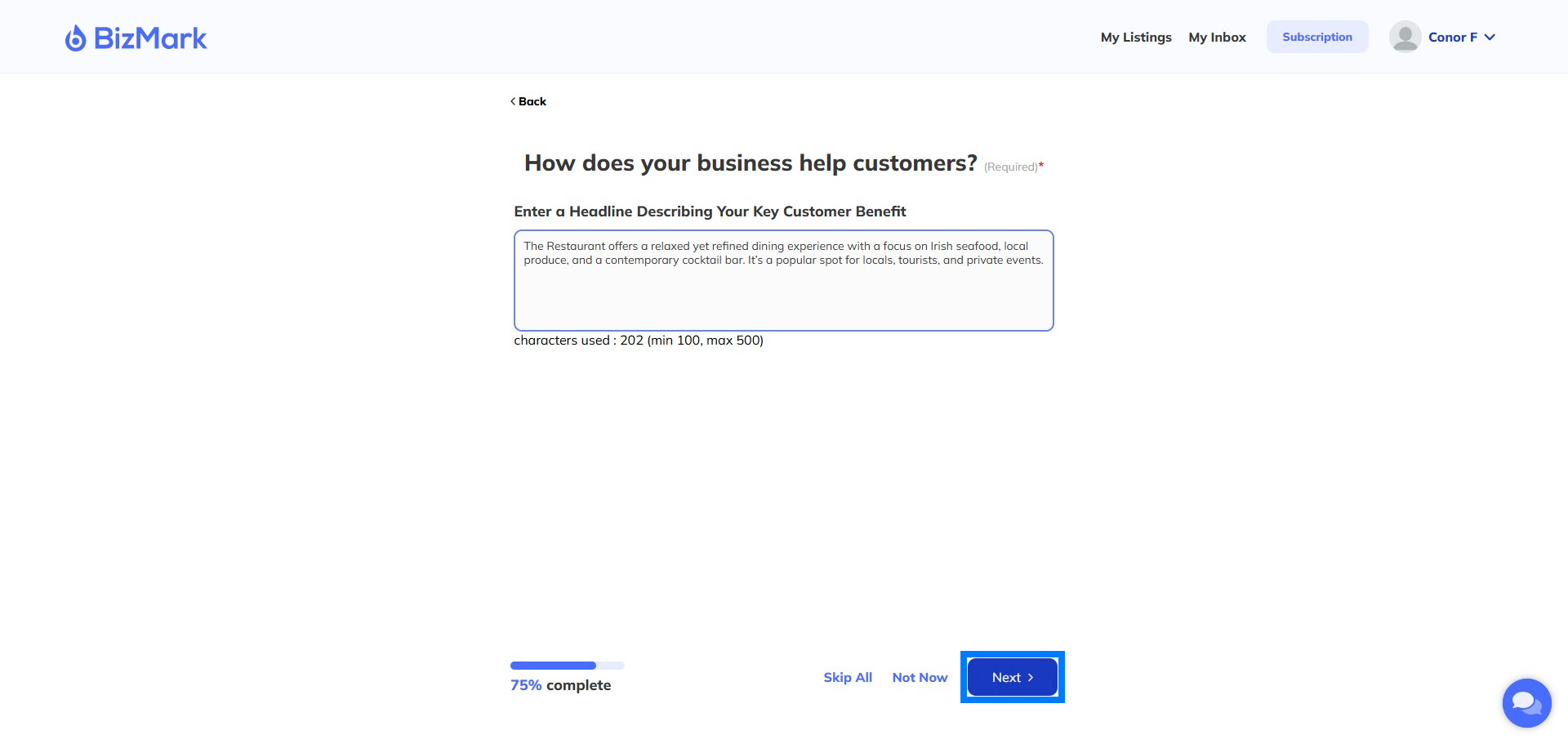
Step 24: Your USP’s
How does your business help customers? What makes it special? Why do users keep coming back?
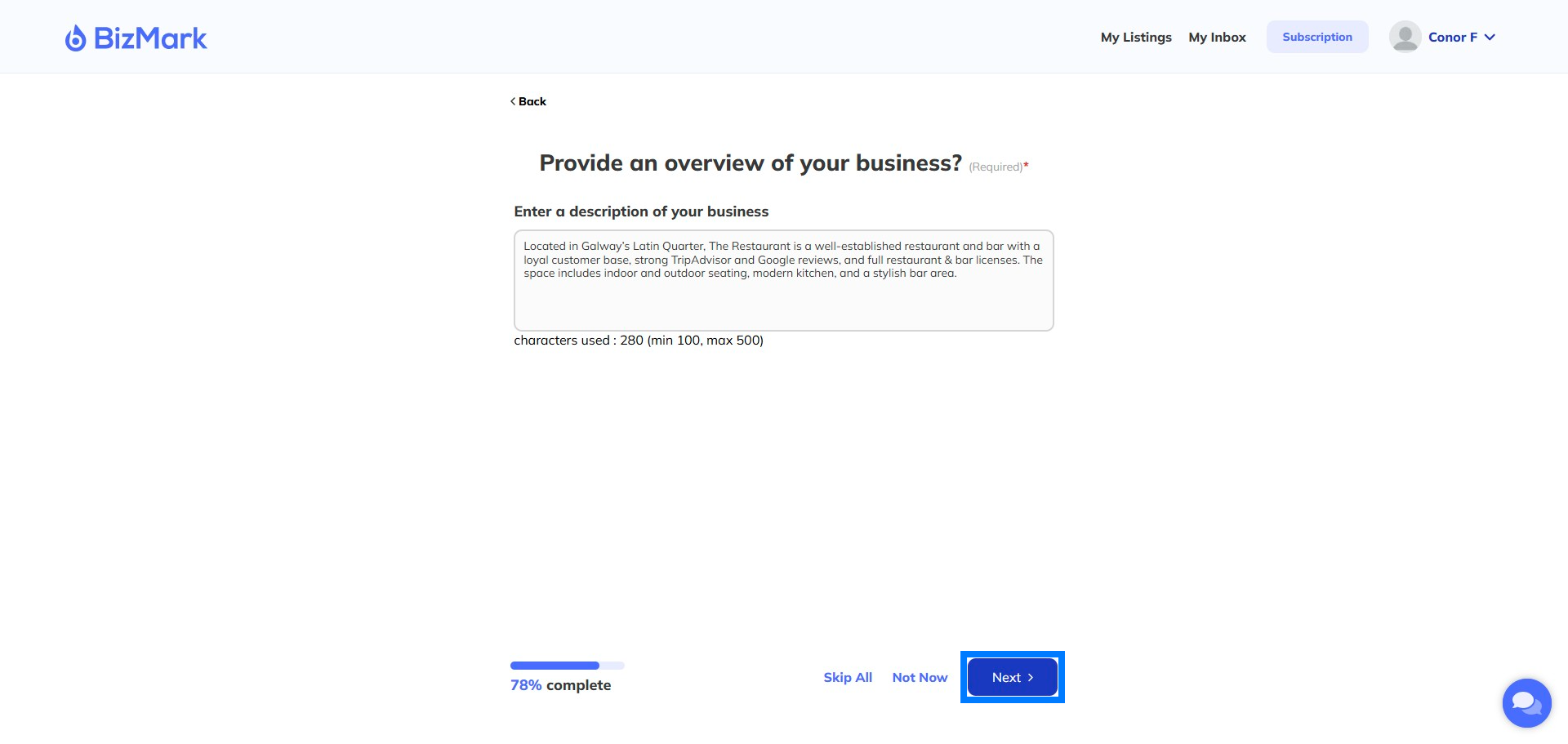
Step 25: What your business does
Specifically, what does your business do.
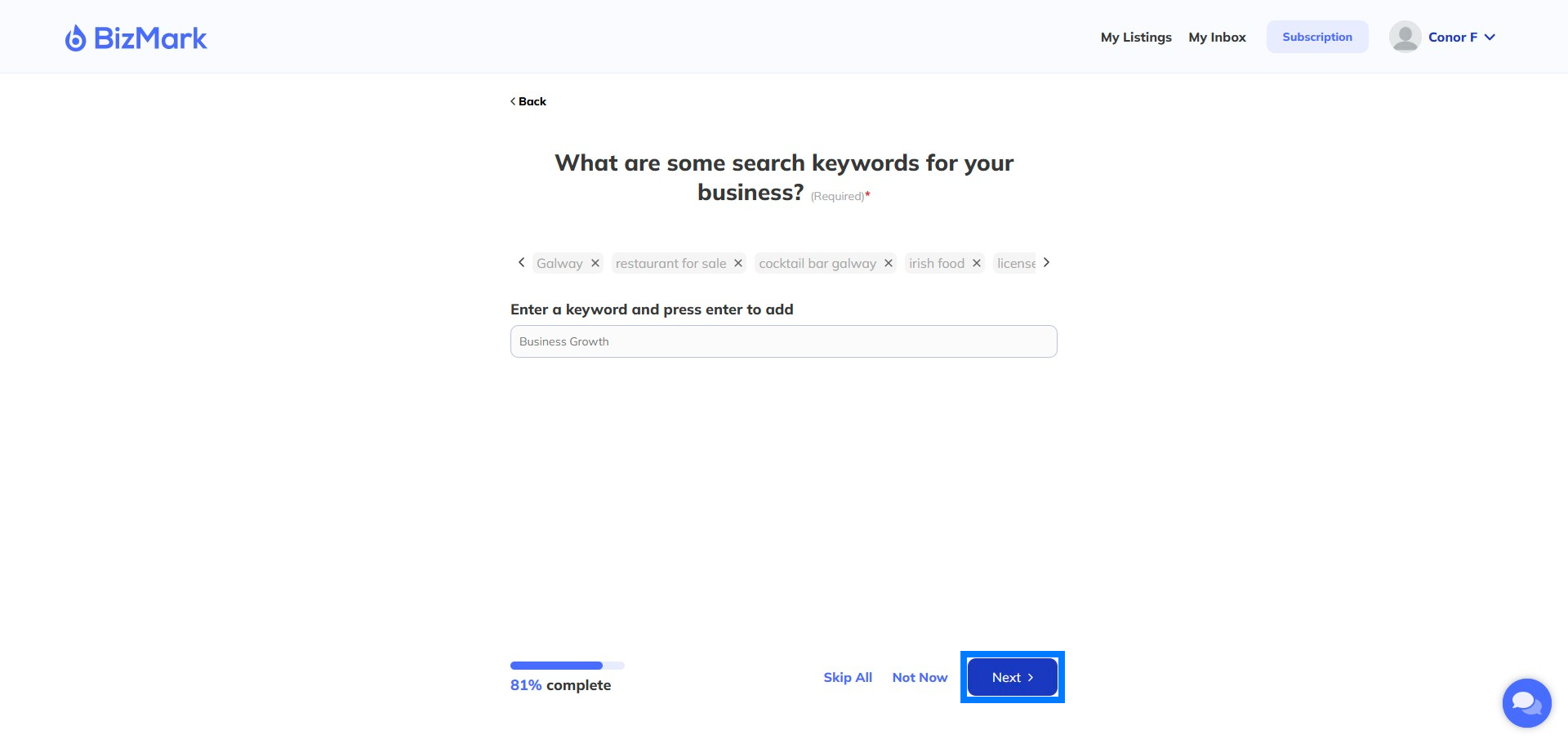
Step 26: Choose Business Keywords
Select keywords for your business that Sellers might look for.
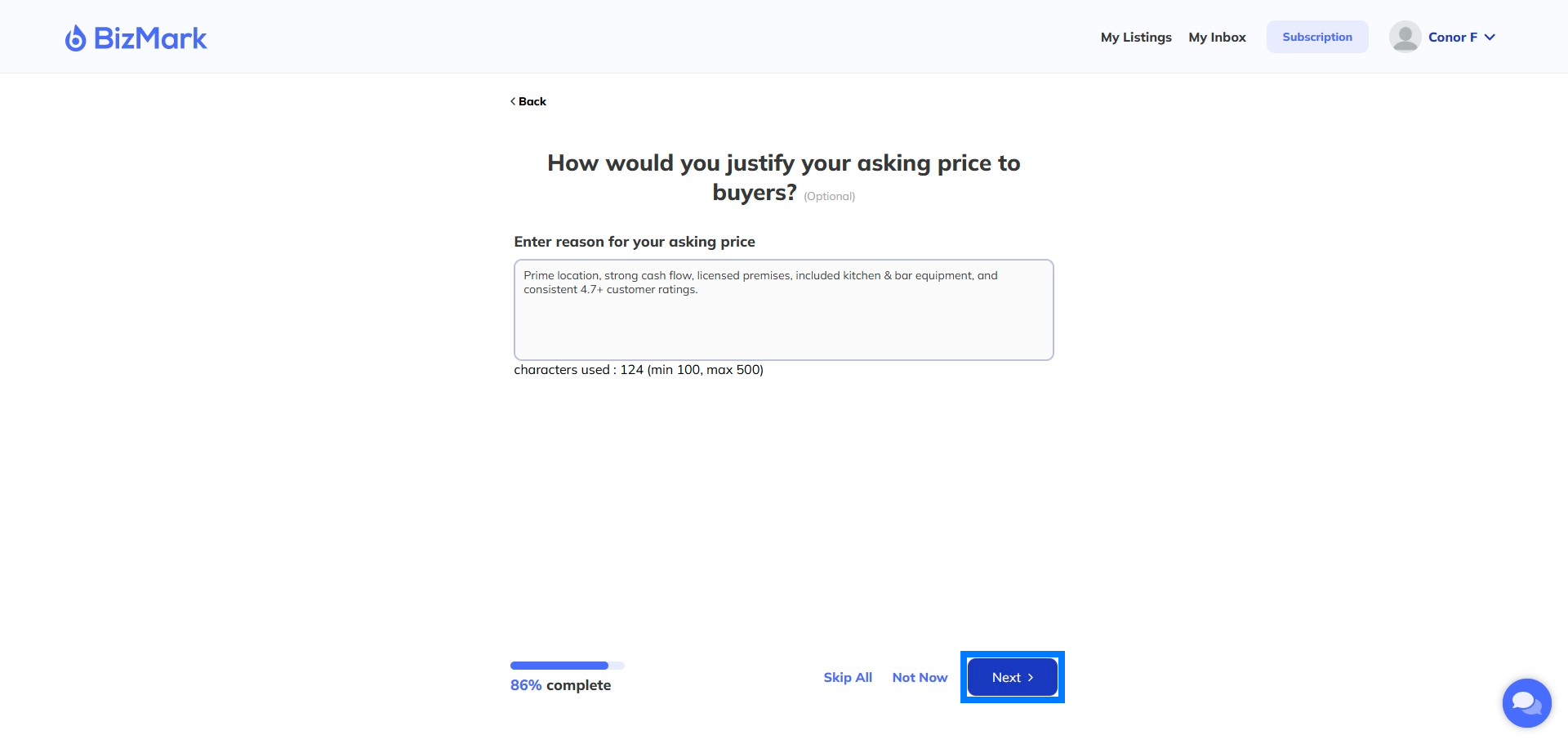
Step 27: Select your asking price
Choose your asking price carefully – research other companies in your space. Bizmark will provide some guidance as we grow.
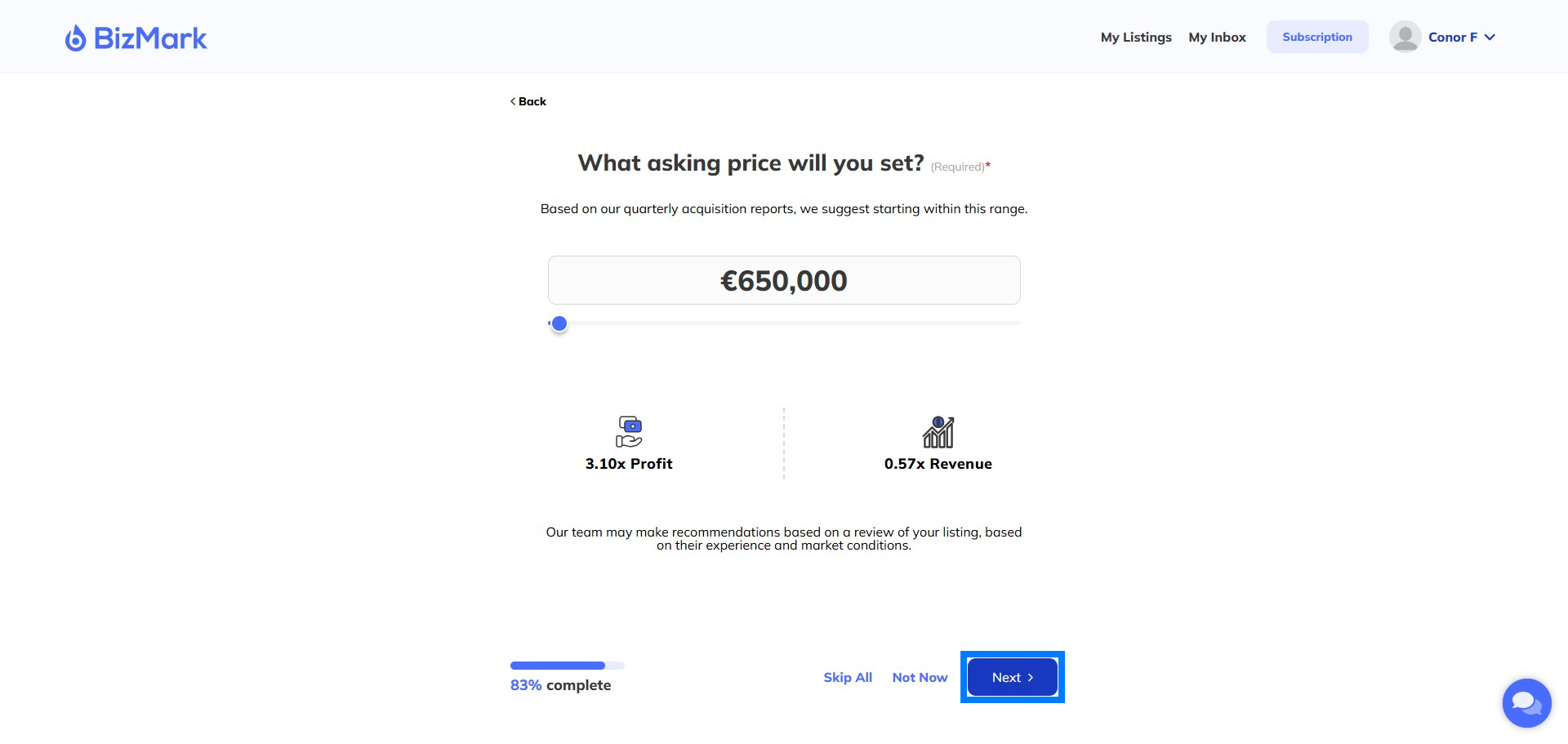
Step 28: Asking price
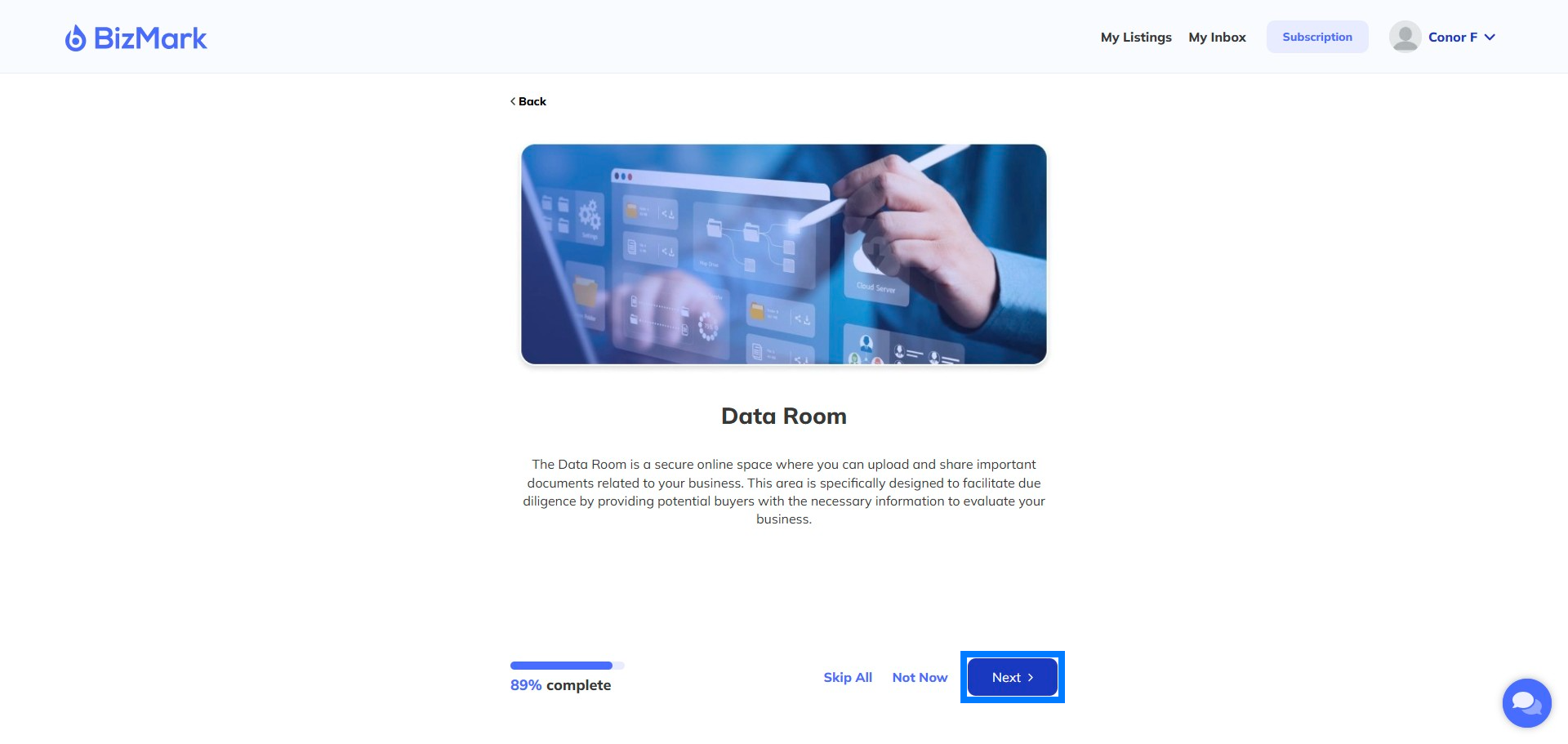
Step 29: The Data Room
Here’s where we put together financial documents for your buyers. Don’t forget – they won’t see this until you give them access later in the process.
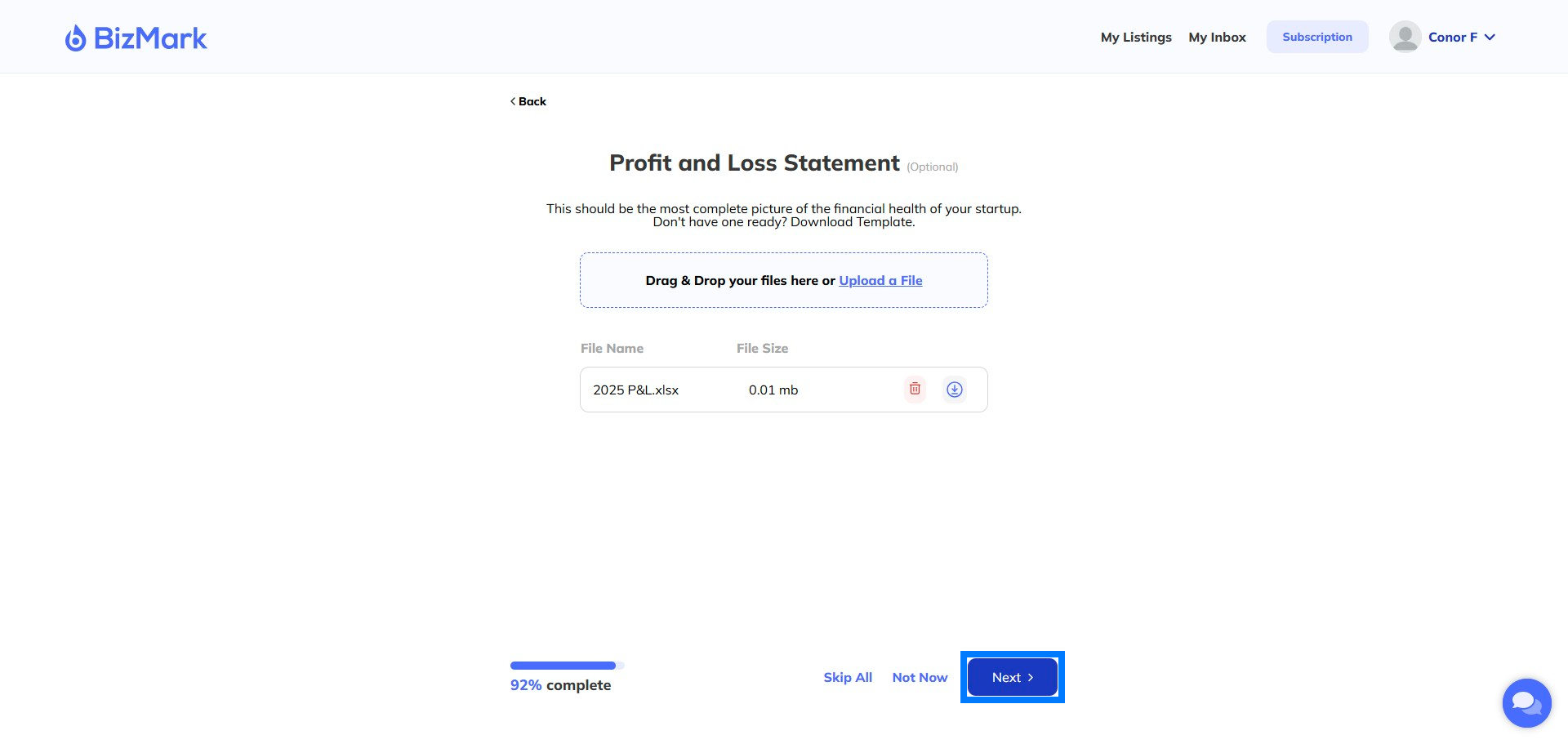
Step 30: Add your P&L
Add your most recent P&L – ideally for the last 3 years You can find a template at Bizmark/Resources Don’t forget – Sellers won’t see this until you give them access later in the process.
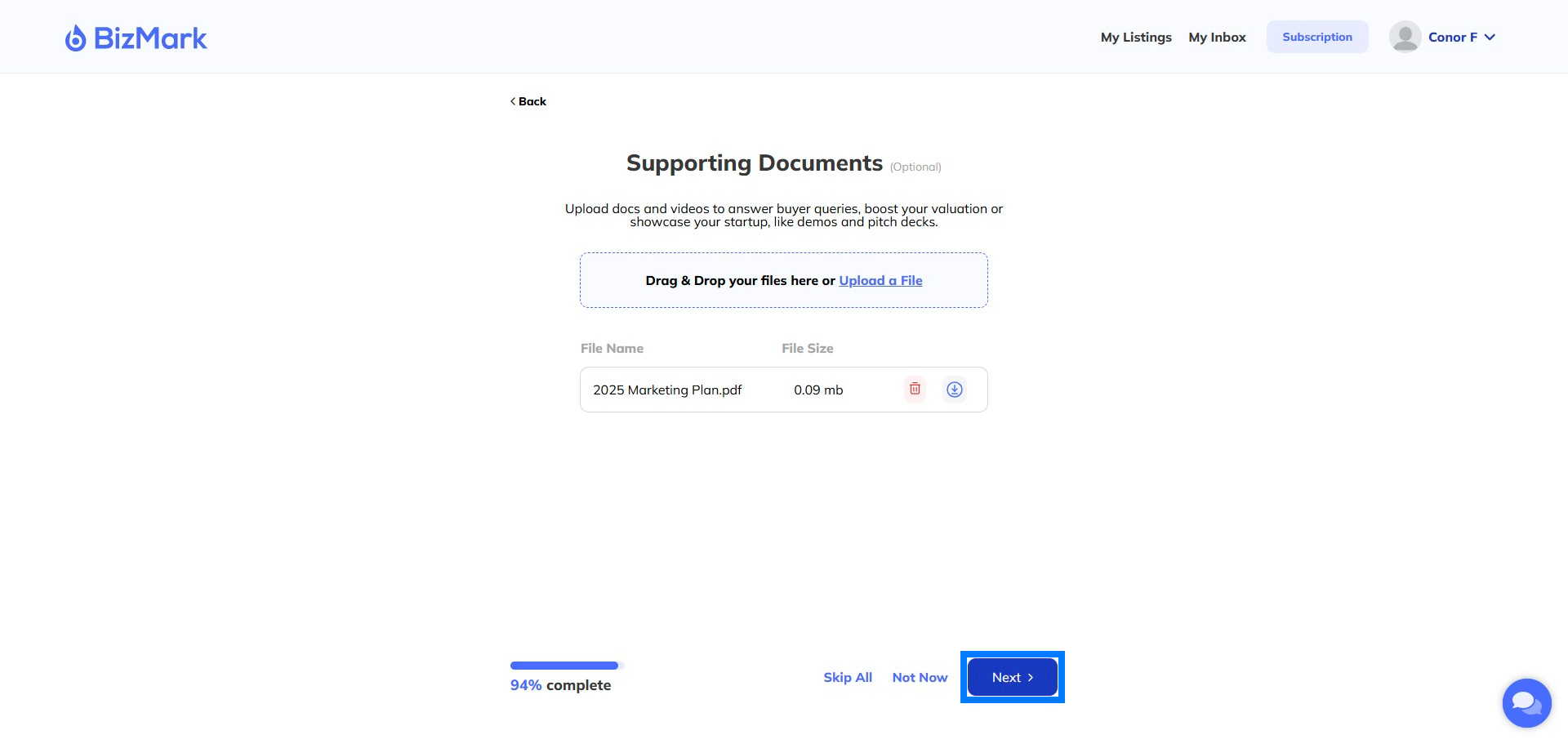
Step 31: Add more documents
Here you can add more documents to help support the sales process. These could be more financial figures, marketing plans, sample contracts – whatever you think will be useful.
Don’t forget – Sellers won’t see this until you give them access later in the process.
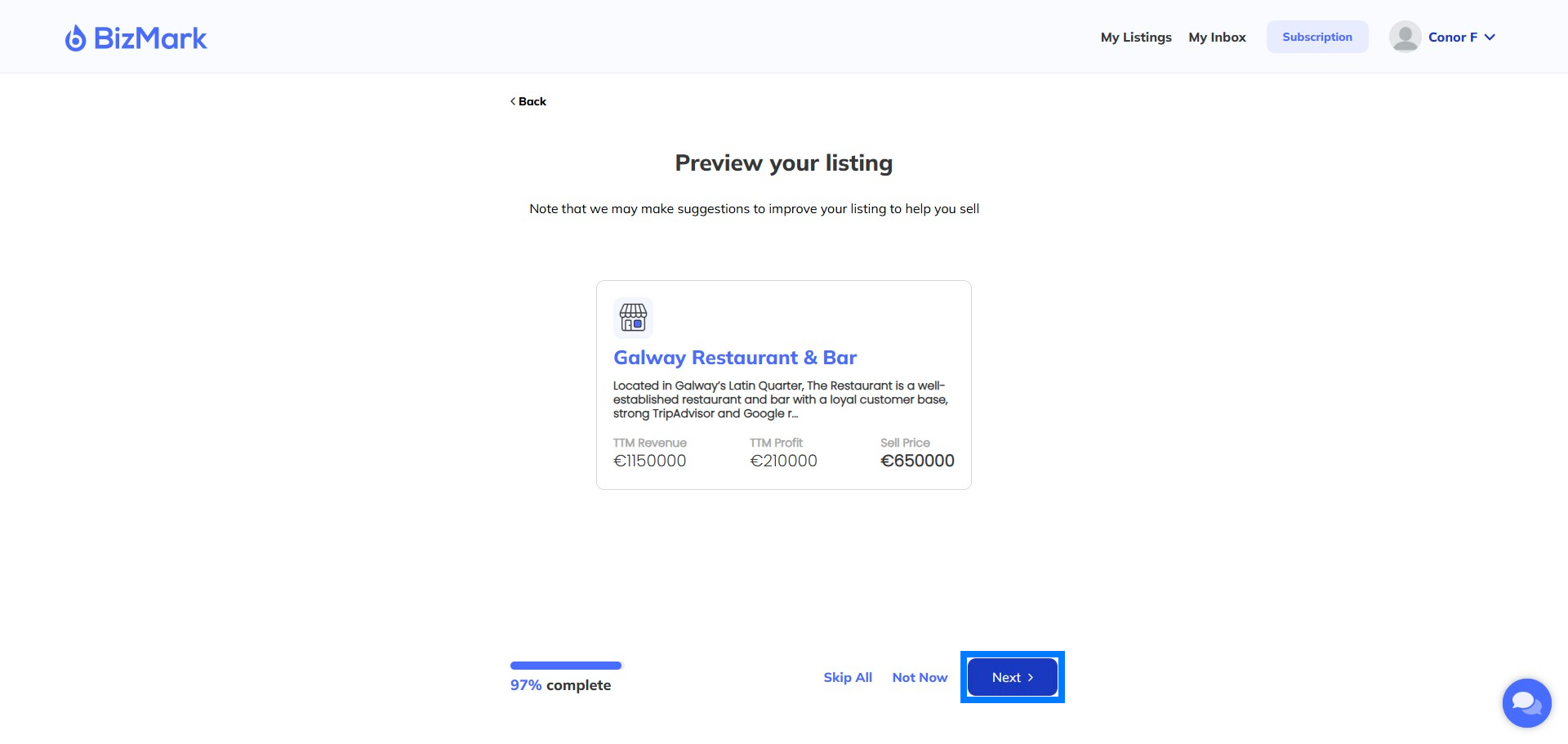
Step 32: Preview your listing
This is how Buyers and the public will see your listing. You can go back and change any of these details.
Step 33: Your listing is Live!
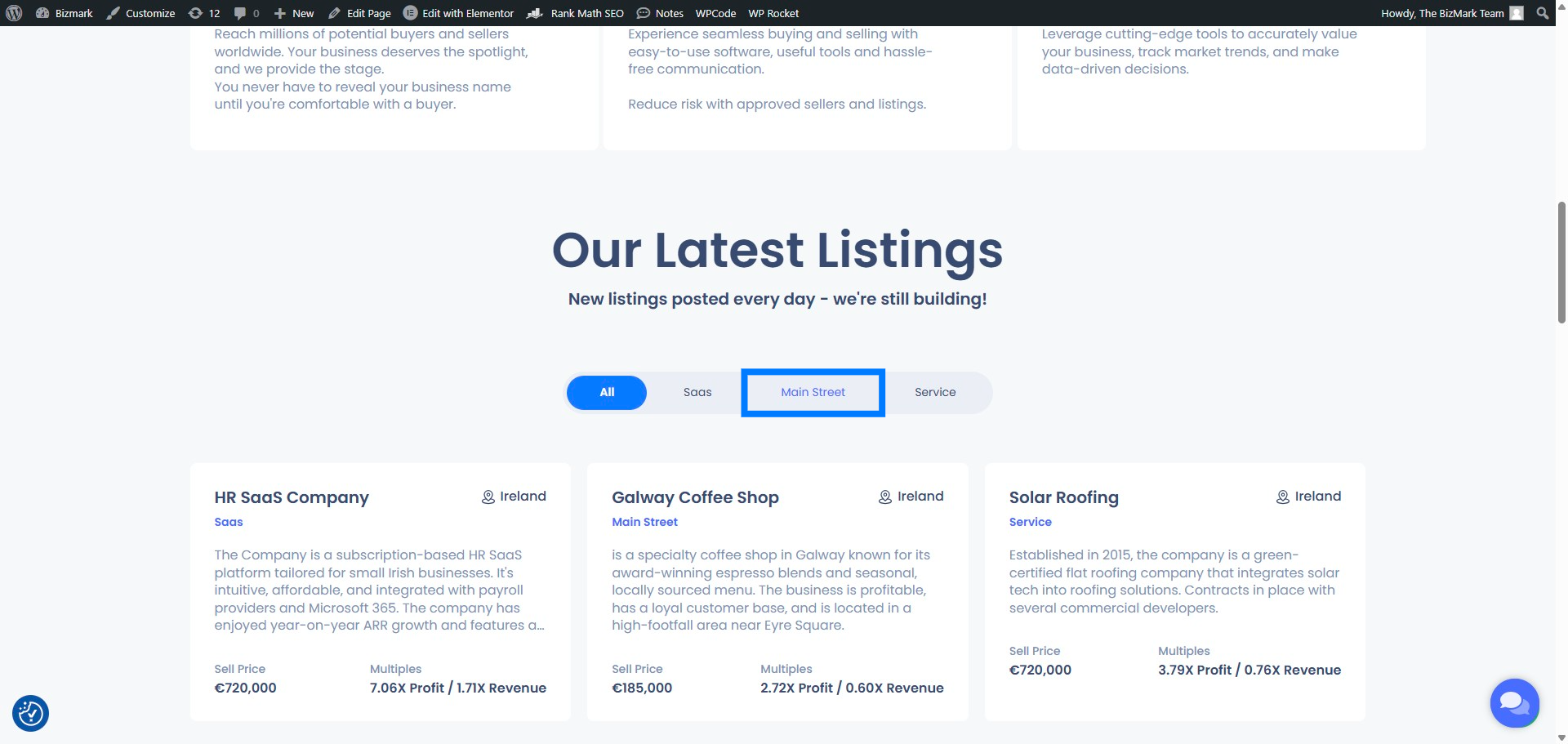
Once your listing is approved, we’ll email you and make your listing live. Prospective buyers can then review and reach out to contact you if interested.
Final Thoughts
Thinking about selling? Start with a free business valuation today — and see where your future could lead. info@bizmark.ie
